Identify the existing control path
Record fan brand and model, AC or DC motor, canopy receiver, remote model and frequency, number of speeds, reverse control, light kit, dimming, wall conductors, and any pull chains. A remote that looks similar may use a different protocol, and a fan that supports RF is not automatically compatible with every RF bridge.
Understand what an RF bridge does
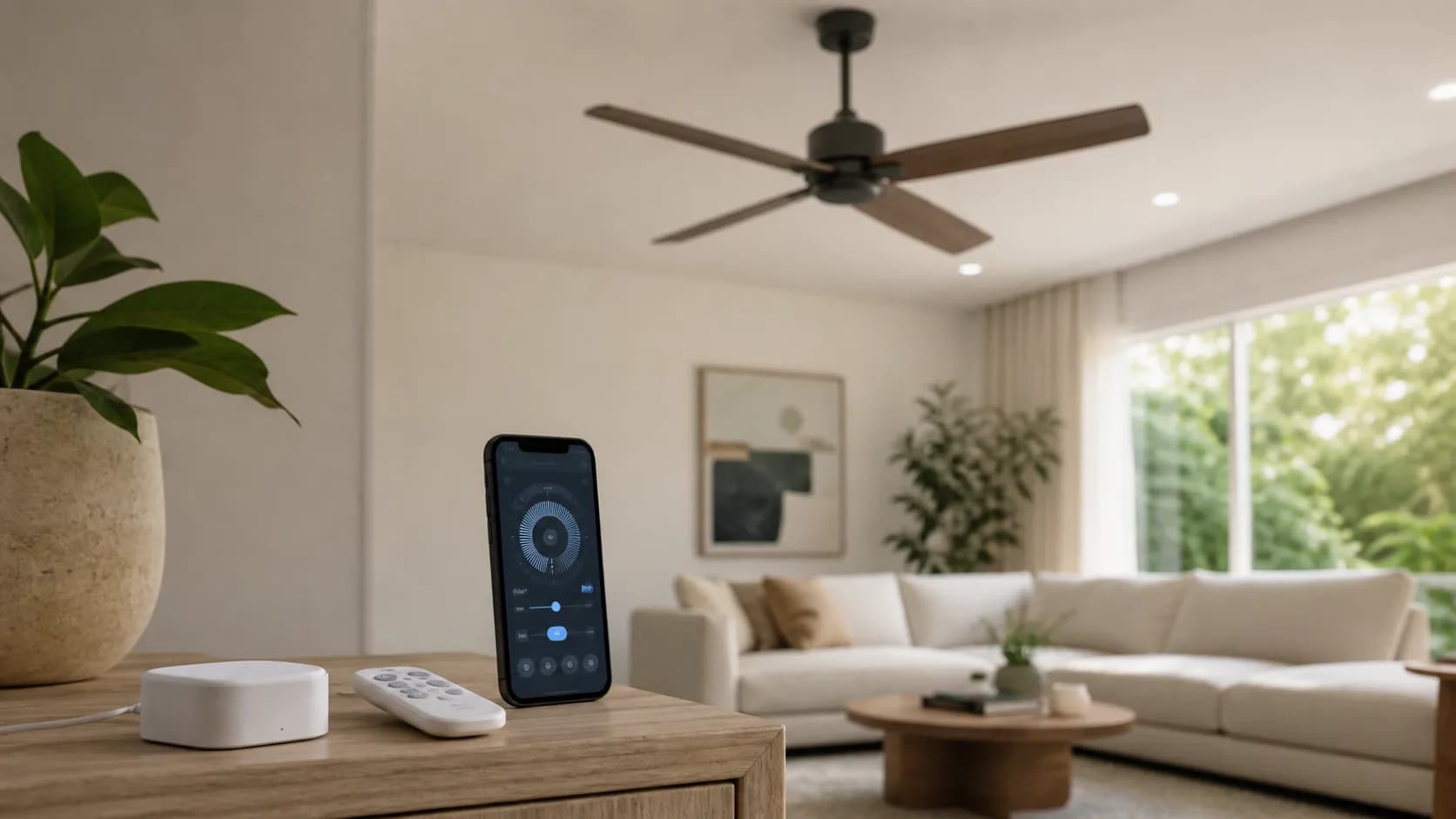
A bridge learns or selects supported radio commands and retransmits them from a fixed location. It does not become part of the motor circuit. That simplifies installation, but one-way RF can leave the app's displayed state different from the actual fan after someone uses the original remote or a command is missed.
Treat motor control as motor control
Use only controls listed for the exact fan and motor type. A lighting dimmer is not a fan-speed controller. Confirm load limits, neutral and traveler requirements, receiver compatibility, canopy clearance, electrician needs, and whether light and fan conductors can be controlled separately before changing wiring.
Map platform and outage behavior
List what works from the original remote, wall control, local network, vendor app, Alexa, Google, SmartThings, Home Assistant, and any Matter bridge. Test router and internet outages plus power restoration. Keep a labeled physical control available so a guest can operate the fan without an account.
When to skip the retrofit
Keep the original remote when automation is occasional, compatibility cannot be proven, or the bridge cannot reliably reach the receiver. Choose a compatible in-wall or canopy solution when true local state and physical control matter. Replace the fan only when the fan itself is due for replacement, not merely to collect another smart-home badge.