Control paths before convenience
Check garage and blind compatibility before adding automation
Match the physical mechanism first, then decide whether direct Wi-Fi, Bluetooth, a hub, Matter, or manual fallback is enough.
Dwellwise Picks
Research-based smart lock, doorbell, thermostat, and home-automation comparisons with compatibility, subscription, wiring, and ecosystem checks kept visible.
Start with the decision
These focused paths connect the product comparison to the setup, fit, compatibility, or recurring-cost question behind it.
Buyer question
FP300 is the better direction when its battery-powered placement and multi-sensor role fit the room; FP2 remains the stronger direction when powered Wi-Fi presence mapping and zone behavior solve the job. Confirm current protocol, hub or controller requirements, detection boundaries, mounting position, battery or cable plan, and supported automations before choosing.
Open decision guide →Buyer question
Add the exact P110M through one primary path first: the Home Assistant TP-Link integration or Matter. Then check current power, accumulated energy, units, update interval and history before building an automation. P110, P110M and P115 are region- and model-specific names, so confirm the exact plug and current integration support instead of assuming their entity sets are identical.
Open decision guide →Buyer question
FP2 is justified when one powered sensor can cover meaningful zones and the room supports careful placement and calibration. It is a poor fit when a battery sensor, simple motion trigger, or privacy-minimal setup is enough. Check Wi-Fi, app, mounting, reflection, zone and ecosystem requirements before buying.
Open decision guide →Buyer question
Verify the exact opener against Meross compatibility guidance, including whether an accessory is required, then check 2.4GHz signal at the controller and the selected MSG100 regional variant. HomeKit support does not remove the need for correct sensor placement, physical door safety checks, and a tested manual fallback.
Open decision guide →Buyer question
Matter support does not prove that the Nest Learning Thermostat 4th Gen will work with a particular HVAC system. Photograph the terminals, run Google's current compatibility checker, and verify the power path before purchase; a C-wire is not required in many supported homes, but that is not a guarantee for every system.
Open decision guide →Buyer question
Upgrade when Thread border-router capability, Matter bridging, PoE, local automation, or newer device support solves a real gap. Keep M2 when the current Zigbee devices and automations are stable and none of those additions changes the household's daily control path.
Open decision guide →Buyer question
Buy only after the deadbolt bore, backset, door thickness, handing and strike alignment pass. Then verify the exact Encode Plus model, Apple Home Key and Thread or Wi-Fi expectations, household phone access, battery routine, physical-key fallback, seller and regional warranty.
Open decision guide →Buyer question
A Matter controller adds and manages Matter devices in an ecosystem. A Thread border router connects the local Thread mesh to the home's IP network. A Matter-over-Thread device normally needs both roles somewhere in the chosen ecosystem, although one hub or speaker can provide both. Verify the exact model and software support rather than relying on the product category name.
Open decision guide →Buyer question
E340 can use local storage without a required monthly plan when paired with the supported storage path. Confirm what storage hardware is included, which AI or history features remain local, and whether the dual-camera view solves the actual package-area blind spot.
Open decision guide →Buyer question
No. Use the Tapo app as the baseline for P110M power and energy history, then verify which entities the chosen Matter controller and app expose at their current software versions. Buy the exact P110M model and pack only when its plug shape, electrical limit, firmware, and vendor-app data meet the job; do not assume every Matter app shows identical energy detail.
Open decision guide →Buyer question
Model and region determine the answer, so match the full suffix on the live listing. Buy for the required plug shape, load limit, energy data, and Matter support rather than assuming every P110M or P125M listing exposes the same combination.
Open decision guide →Buyer question
Do not assume one Bolt SE listing includes both Matter over Thread and Wi-Fi. ULTRALOQ presents these as technology variants, so choose the exact version that matches the home's controller, Thread-border-router, remote-access, and fallback requirements, then verify the selected Amazon variation before checkout.
Open decision guide →Explore a complete setup
Each module connects products, comparisons, and practical checks around one real job so you can rule out the wrong fit earlier.
Control paths before convenience
Match the physical mechanism first, then decide whether direct Wi-Fi, Bluetooth, a hub, Matter, or manual fallback is enough.
Utilities that respond
Start with infrastructure and failure response before adding another isolated smart-home device.
Smart-home buying guides
Compare smart locks, video doorbells, thermostats, and home-automation standards by door fit, wiring, hubs, subscriptions, privacy, and the controls your household will actually use.
automation
Choose P110M or P125M by energy monitoring, Matter exposure, pack count, outlet fit, controller path, and the ordinary indoor loads each plug should control.
Compare picksautomation
Compare battery versus wired power, Thread or Zigbee versus Wi-Fi, single-zone presence versus mapped zones, environmental sensors, multi-person positioning, and setup effort.
Compare picksaccess
Compare daily entry, Matter over Thread, UWB, fingerprint, controllers, batteries, door fit, fallbacks, and the price premium.
Compare pickscameras
Compare dual-camera package coverage, 2K video, local storage, battery charging, chimes, detection, app controls, and subscription-free value.
Compare picksaccess
Compare Apple Home Key, fingerprints, built-in Wi-Fi, Aqara hub requirements, physical keys, codes, batteries, and door fit.
Compare picksaccess
Compare UWB and Matter over Thread with fingerprint, Apple Home Key, Zigbee, hub requirements, batteries, and door fit.
Compare pickscameras
Choose Tapo D210 for local microSD and an included chime; choose Ring for Alexa, a removable battery, optional wiring, and a stronger app.
Compare picksclimate
Compare HVAC compatibility, power, room sensors, learning controls, ecosystems, and the exact bundles linked here.
Compare picksautomation
Compare Aqara, Govee, X-Sense, and YoLink by sensor count, hub requirements, alarm path, wireless range, and the rooms each kit should cover first.
Compare picksLatest product research
New and recently expanded buying notes appear first, with model checks, trade-offs, compatibility details, and direct comparisons.
Aqara
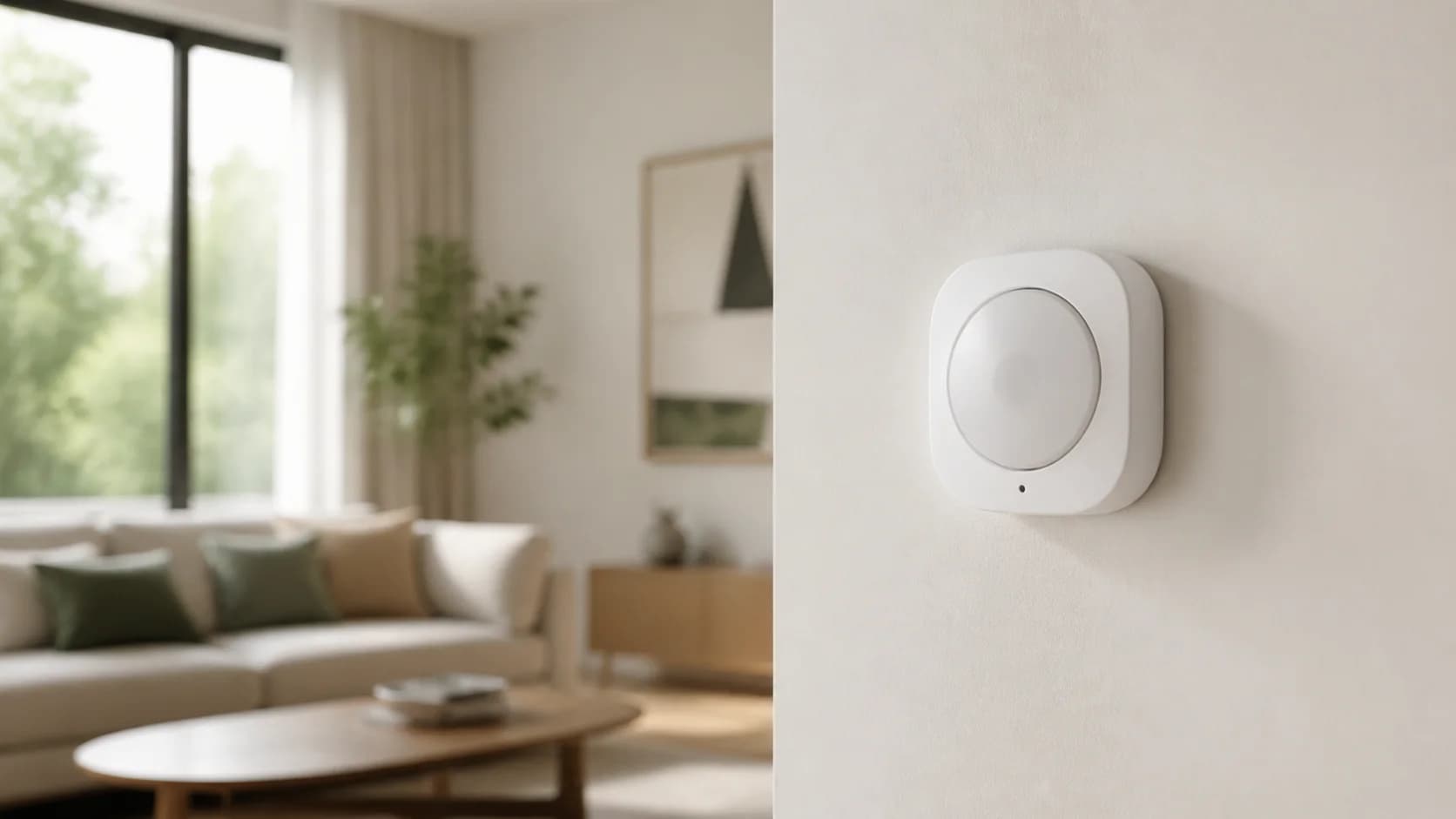
A model-specific buying and setup guide to FP300's battery-powered presence sensing: choose Thread or Zigbee, budget for the required controller, check what settings the platform exposes, and verify presence and absence before relying on an automation.
Best for: Single-zone presence automation where a power cable would be awkward
Main caution: Does not provide FP2-style multi-zone room mapping
Aqara
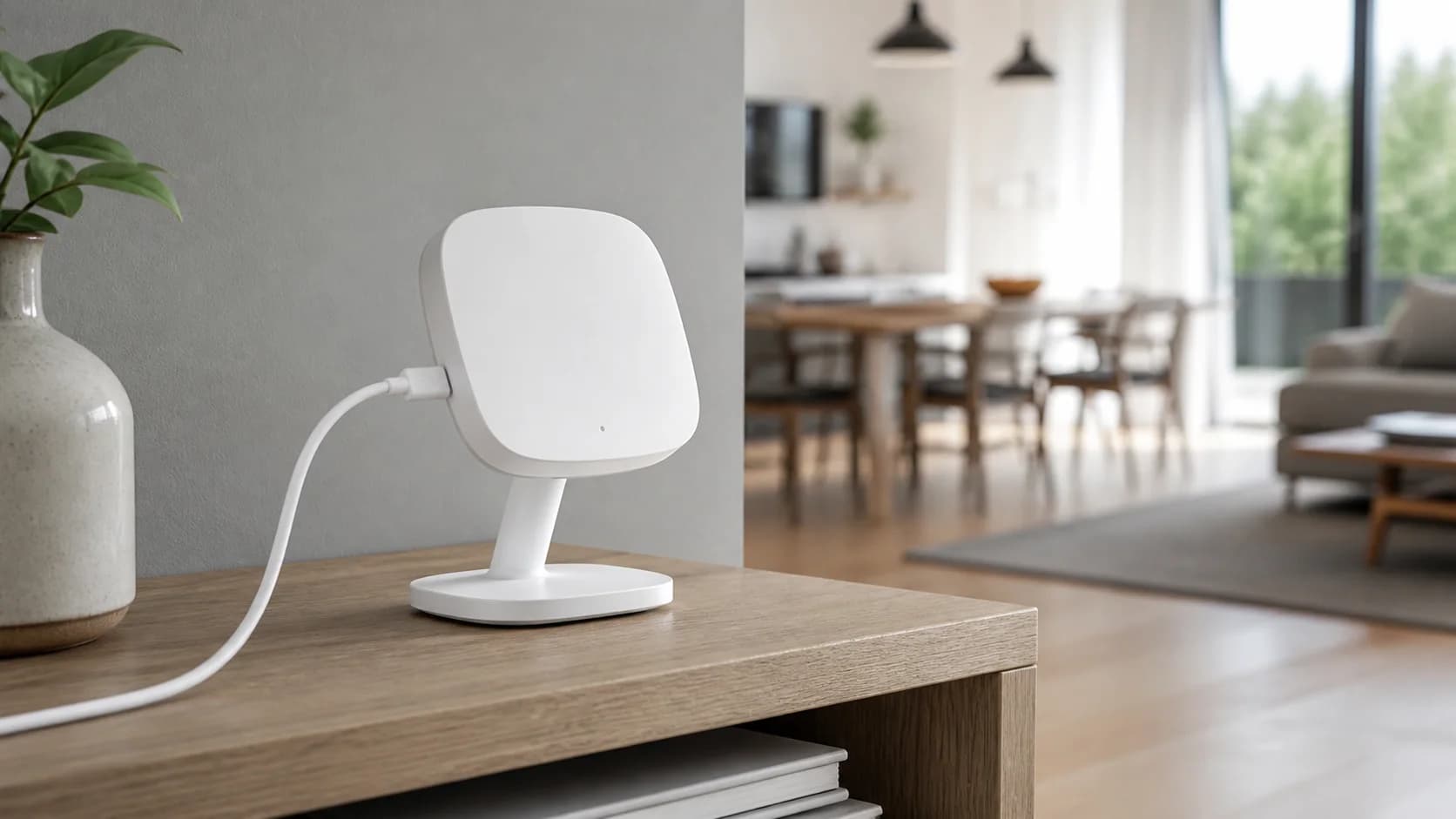
A wired 2.4GHz Wi-Fi mmWave presence sensor built around room mapping, up to 30 zones, multi-person positioning, and platform integrations without an Aqara hub, with important placement, power, privacy, and fall-detection limits.
Best for: Mapped living rooms, bedrooms, or offices with several automation zones
Main caution: Needs continuous USB power and 2.4GHz Wi-Fi
Meross
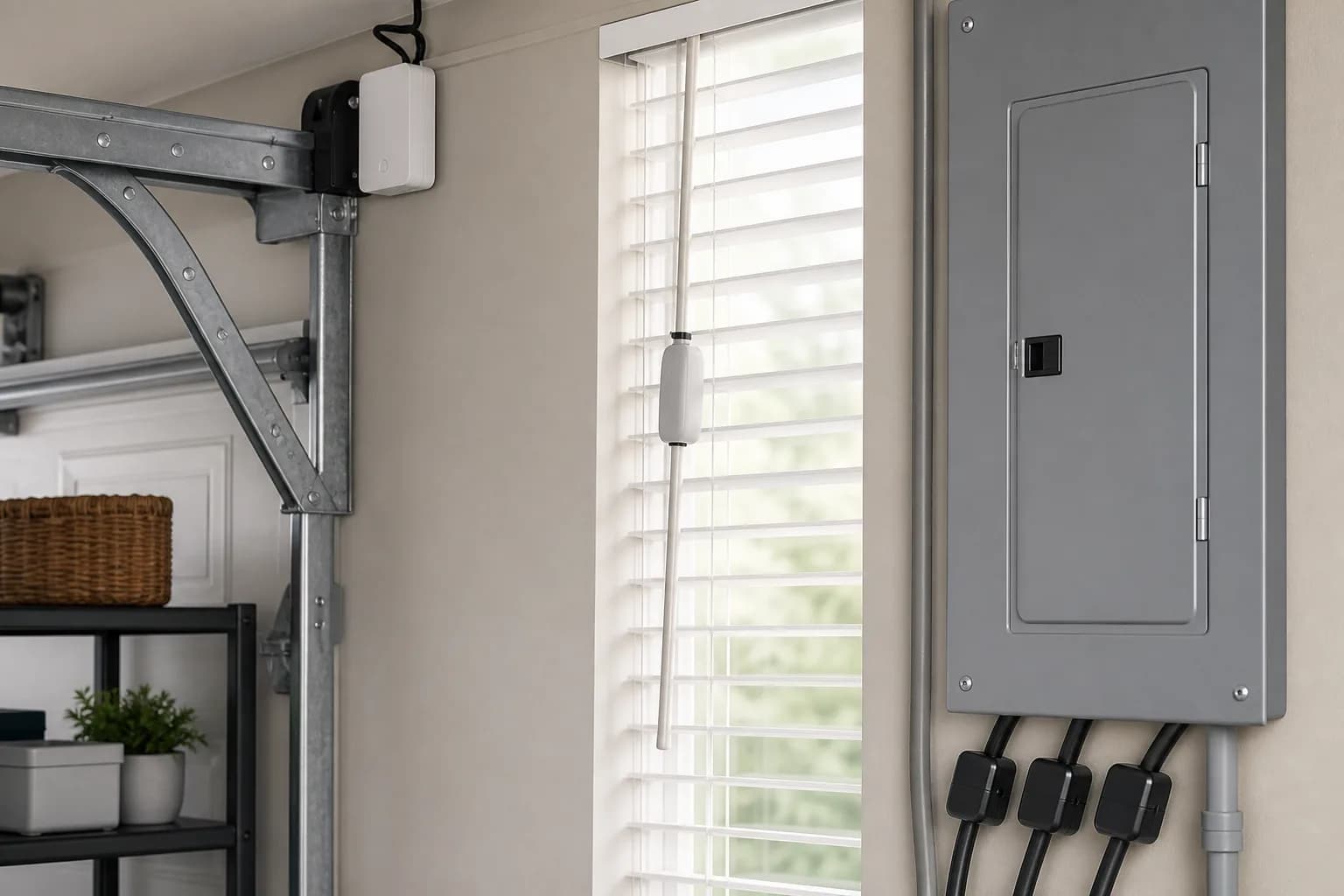
A retrofit controller for one compatible garage-door opener, with 2.4GHz Wi-Fi, HomeKit, Alexa, Google Home, and SmartThings support but a required opener-compatibility check.
Best for: One compatible garage door in an established HomeKit or voice-control home
Main caution: Compatibility must be checked by opener model
Google Nest
A practical guide to Google's 2024 Learning Thermostat, covering 24V HVAC compatibility, its 2.7-inch display, included temperature sensor offer, Matter, Google Home app, and power checks.
Best for: Google Home households that want a polished learning thermostat and remote sensor
Main caution: Exact 24V HVAC and power compatibility must be checked
Aqara
A source-backed Aqara Hub M3 review covering Matter controller and bridge roles, Thread border routing, Zigbee migration, Home Assistant, PoE, infrared control, and whether M2 owners should upgrade.
Best for: Aqara-centered homes that need Thread, Matter bridging, and wired PoE placement
Main caution: Supported third-party Matter device types and bridged features remain narrower than each vendor's native app
Schlage
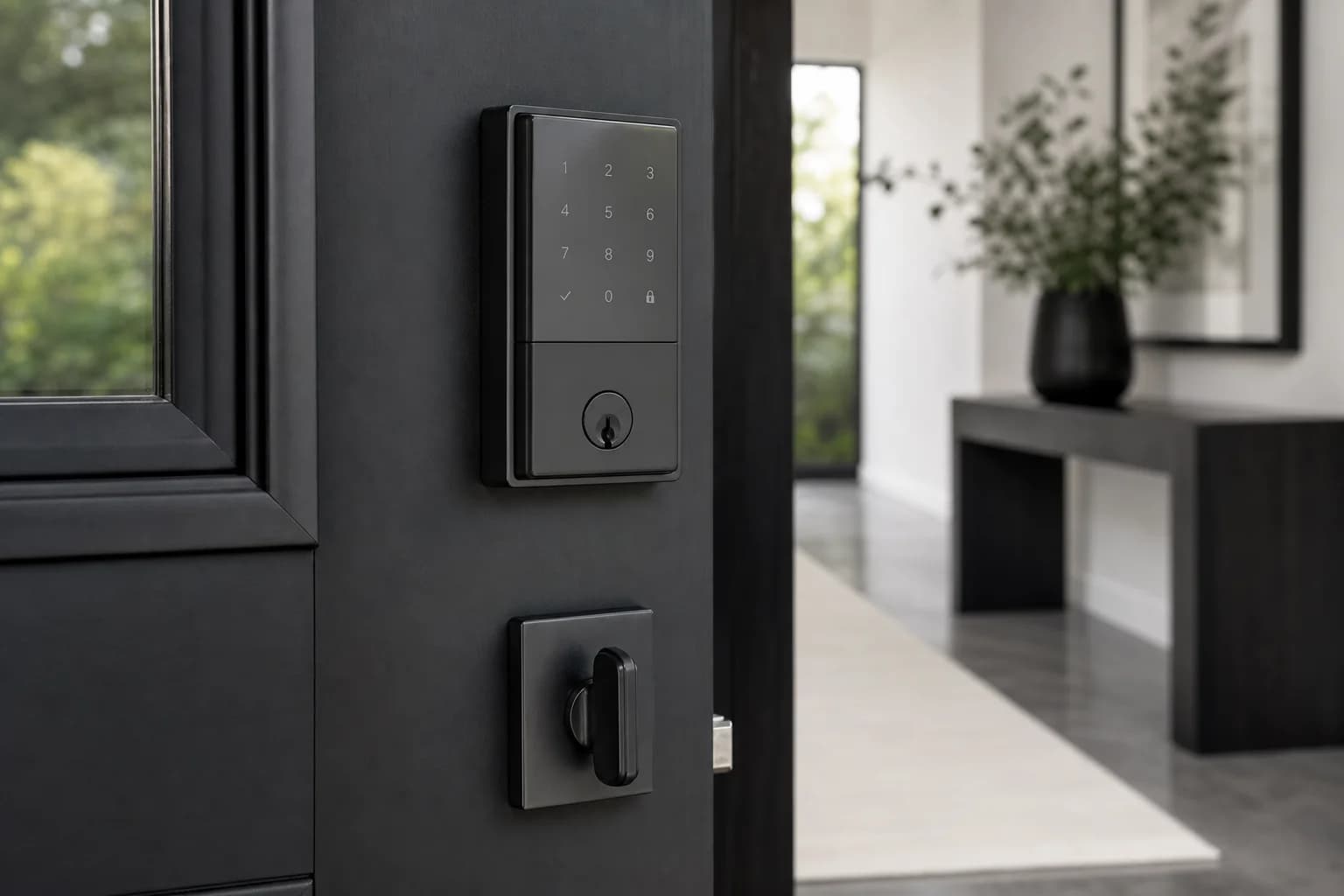
A compatibility-first guide to Encode Plus, covering Apple Home Key, built-in Wi-Fi, keypad codes, physical-key fallback, batteries, door preparation, and comparison with Aqara and Yale.
Best for: Apple Home Key with built-in Wi-Fi and keyed fallback
Main caution: Premium price
eufy
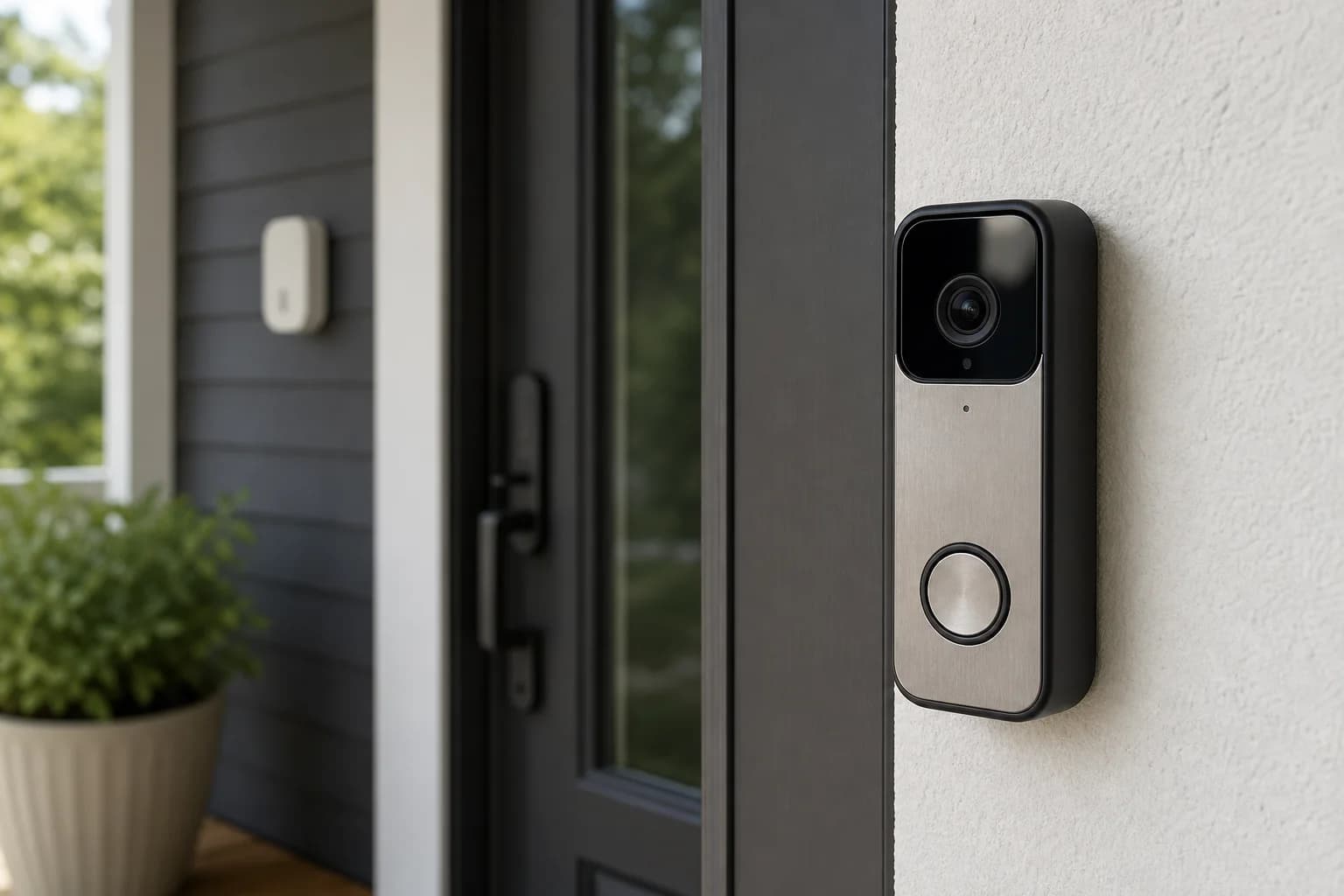
A model-correct guide to the standalone E340 dual-camera doorbell, covering 2K main video, package view, battery or wired power, built-in local storage, color night vision, AI alerts, and HomeBase options.
Best for: Dual-camera package coverage without a required monthly plan
Main caution: The linked model does not include HomeBase 3
Tapo
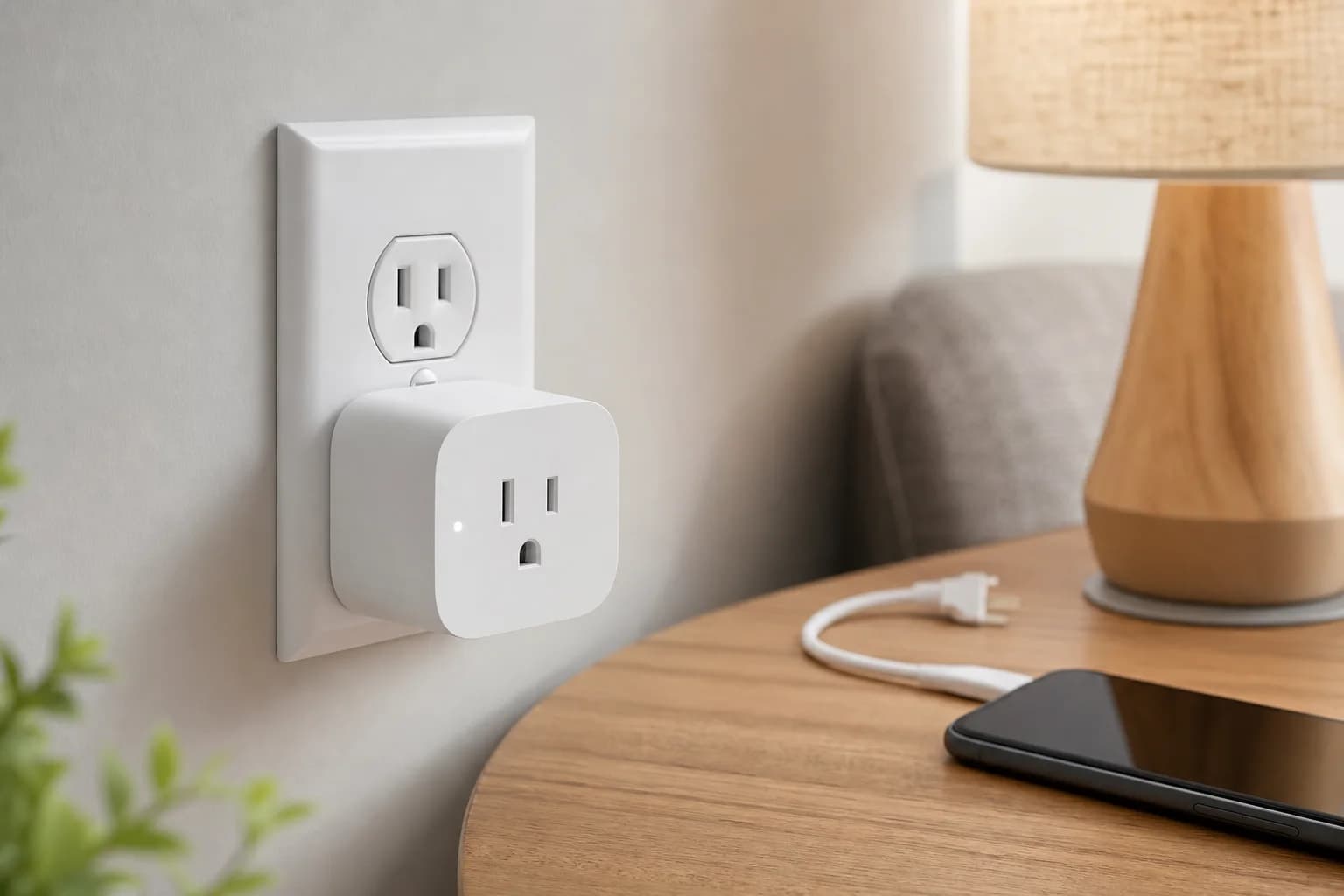
A model- and pack-aware guide to Tapo P110M, including energy monitoring, Matter setup, 2.4GHz Wi-Fi, electrical limits, and the difference between Tapo app data and third-party ecosystem controls.
Best for: Energy monitoring for lamps and ordinary indoor plug-in loads
Main caution: Third-party Matter apps may expose fewer energy features than Tapo
ULTRALOQ
A variant-aware guide to the Bolt SE fingerprint deadbolt, covering Matter over Thread versus Wi-Fi connectivity, controller requirements, entry methods, battery routine, weather rating, door measurements, and physical-key fallback.
Best for: Fingerprint and keypad entry with a deliberately chosen Matter or Wi-Fi path
Main caution: Matter over Thread requires a compatible controller and Thread border router
Practical buying guides
These guides answer compatibility, sizing, placement, maintenance, and total-cost questions that product listings often leave unclear.
automation
Add Tapo P110M to Home Assistant through the TP-Link integration or Matter, then verify power entities, energy history, firmware, local control, and what remains visible in the Tapo app.
automation
Understand what a Thread border router does, how it differs from a Matter controller, when one device provides both, and why a Matter-over-Thread accessory may still fail to commission.
automation
Compare Tapo P110M vs P125M by energy monitoring, Matter control, outlet fit, pack options, electrical limits, and model-number details.
access
Compare a smart vibration sensor with a contact, tilt, or motion sensor by event, false alerts, placement, best fit.
automation
Compare a smart slow cooker with a programmable slow cooker by remote role, food plan, dependencies, best fit.
climate
Compare a smart propane tank monitor with manual gauge checks or supplier telemetry by reading path, best fit, dependencies, what it cannot replace.
access
Compare a smart glass-break sensor with door and window contact sensors by detected event, coverage, testing, security role.
automation
Compare a smart coffee maker with a programmable coffee maker by scheduling, preparation, dependencies, best fit.
automation
Compare a dedicated smart-home wall panel with a mounted tablet or scene buttons by primary role, power and mount, lifecycle, skip signal.
access
Measure the door, map every controller, and preserve a dependable entry method before replacing a deadbolt.
cameras
Choose the installation and recording path first, then compare resolution, alerts, chimes, and app polish.
automation
Put sensors where water appears first: under appliances, inside sink cabinets, by shutoff valves, near sump pumps, and around basement equipment.
Optional planning tools