Dwellwise Picks
Browse
Automation basics

Tapo P110M with Home Assistant: Energy Monitoring Paths

Choose between the TP-Link integration and Matter path, then verify power entities, history, firmware, local control, and what remains visible in the Tapo app.

Prepared by the Dwellwise Picks editorial deskUpdated July 16, 2026

Best starting point

Tapo P110M Energy-Monitoring Smart Plug (4-Pack)

Price band: $$

Start with the evidence page for Tapo P110M Energy-Monitoring Smart Plug (4-Pack), then compare the alternatives against your layout, budget, and compatibility needs.

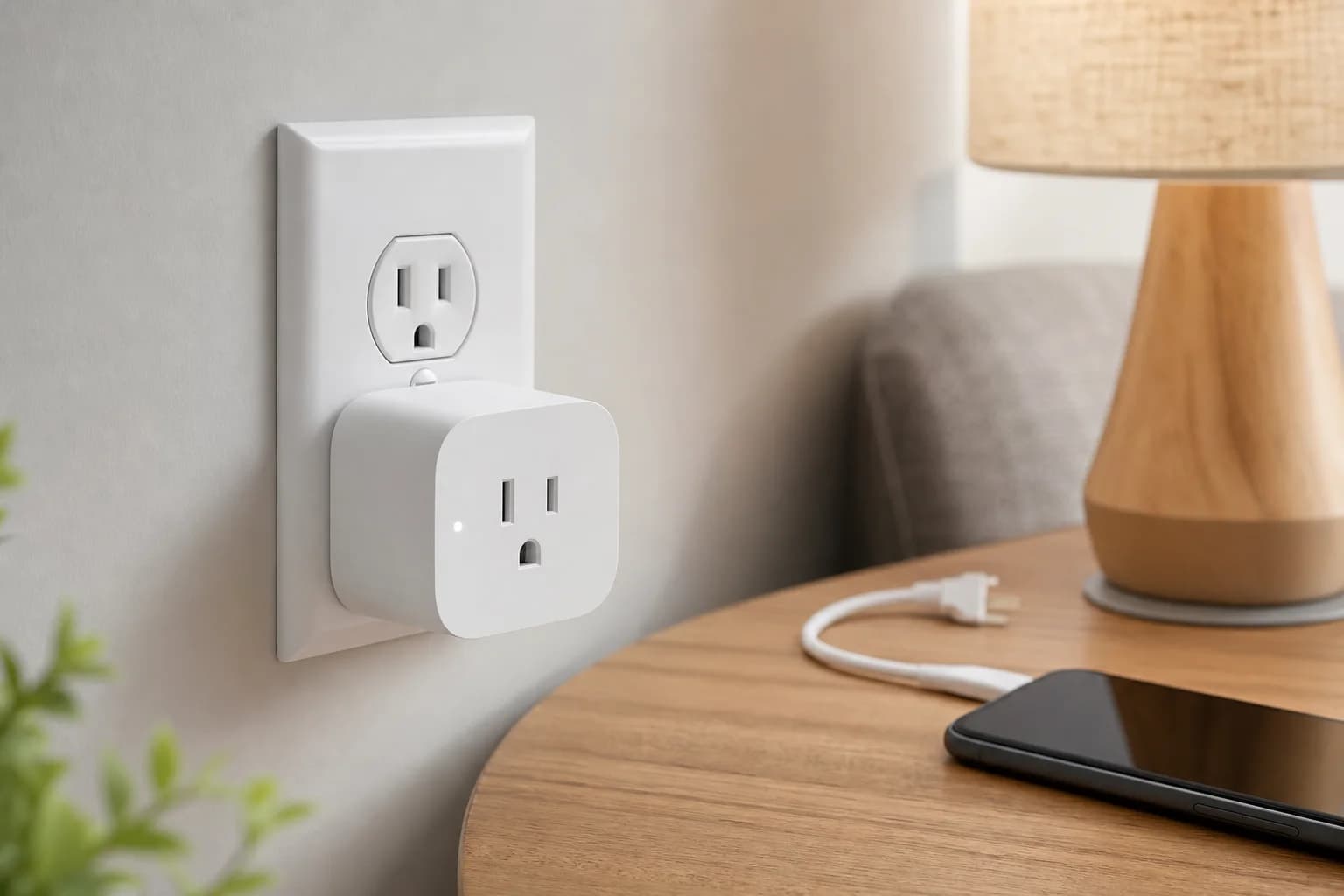
A compact smart plug beside a home energy dashboard
Editorial image for visual context; device appearance and configuration can vary by model and region.

Pick one primary control path first

The TP-Link integration can expose vendor-specific data, while Matter offers a standardized controller path. Set up and verify one path before adding another so duplicate entities do not obscure which connection supplies power data.

Confirm entities after every update

Matter energy support, device firmware, and Home Assistant releases evolve. Check current power, accumulated energy, units, availability, and update interval instead of assuming a screenshot from another version matches the present system.

Keep the Tapo app for firmware and diagnosis

Even a local Home Assistant workflow benefits from the vendor app for initial setup, firmware, model verification, and a baseline view of energy data. Document credentials and ownership without exposing them in dashboards or public logs.

Test recovery

Restart Home Assistant, reboot the plug, and temporarily interrupt internet access while a noncritical load is connected. Confirm which controls and history survive before depending on an automation.

Primary sources

References used for this guide

Buying framework

What to check before you choose

Checklist

  • Confirm the exact lock, doorbell, thermostat, controller, and ecosystem versions before buying.
  • Check what remains available locally when Wi-Fi, cloud service, or a subscription is unavailable.
  • Map wiring, door dimensions, radio coverage, storage, and household access before installation.

Common mistakes

  • Treating Matter, Thread, Zigbee, Wi-Fi, and Bluetooth as interchangeable labels.
  • Buying an ecosystem feature before confirming the required hub, controller, or border router.
  • Ignoring subscription boundaries, batteries, replacement access, and emergency fallback controls.

Category checks

  • Matter is an application standard; Thread and Zigbee are network technologies.
  • A Matter controller and a Thread border router are different roles.
  • Prefer physical and local fallback controls for essential routines.

Decision rule

Choose the device with the clearest compatibility and local fallback path; add premium ecosystem features only when they remove a recurring household problem.

Related guide

Pair Tapo P110M with Aqara Hub M3: Matter Checklist

Commission the Wi-Fi plug through Hub M3 without losing track of setup codes, controller ownership, 2.4GHz reach, firmware, energy-data limits, or multi-admin sharing.

Related guide

Tapo P110M: Matter vs. Tapo Integration

Compare standardized ecosystem control with vendor-specific energy detail, firmware management, local behavior, duplicate entities, and the safest order for testing both paths.

Related guide

Tapo P110M vs P125M: Energy Monitoring or Matter?

Compare Tapo P110M vs P125M by energy monitoring, Matter control, outlet fit, pack options, electrical limits, and model-number details.

Related product guide

Tapo P110M Energy-Monitoring Smart Plug (4-Pack)

A model- and pack-aware guide to Tapo P110M, including energy monitoring, Matter setup, 2.4GHz Wi-Fi, electrical limits, and the difference between Tapo app data and third-party ecosystem controls.

Related product guide

Tapo P125M Matter Smart Plug (3-Pack)

A model-correct guide to the compact P125M Matter smart plug, covering 15A loads, 2.4GHz Wi-Fi, ecosystem commissioning, local controls, schedules, and the lack of energy monitoring.

Related product guide

Aqara Hub M3

A source-backed Aqara Hub M3 review covering Matter controller and bridge roles, Thread border routing, Zigbee migration, Home Assistant, PoE, infrared control, and whether M2 owners should upgrade.

Related comparison

Best Tapo Matter Smart Plug: Energy Data or Compact Control?

Choose P110M or P125M by energy monitoring, Matter exposure, pack count, outlet fit, controller path, and the ordinary indoor loads each plug should control.

Related comparison

Matter Starter Kit: Hub, Contact Sensor and Smart Plug

Build a small Matter setup with Aqara Hub M3, Aqara P2, and Tapo P125M while keeping Thread, Wi-Fi, controllers, and ecosystem sharing clear.