Open the named Tapo P110M Energy-Monitoring Smart Plug (4-Pack) listing to compare the live price, availability, delivery, seller, and returns.
Commission the Wi-Fi plug through Hub M3 without losing track of setup codes, controller ownership, 2.4GHz reach, firmware, energy-data limits, or multi-admin sharing.
Prepared by the Dwellwise Picks editorial deskUpdated July 16, 2026
Quick answer
The practical answer
Confirm the exact P110M model in Tapo, install current plug and M3 firmware, and keep the Matter code available. Pairing trouble is harder to diagnose when either side is several releases behind.
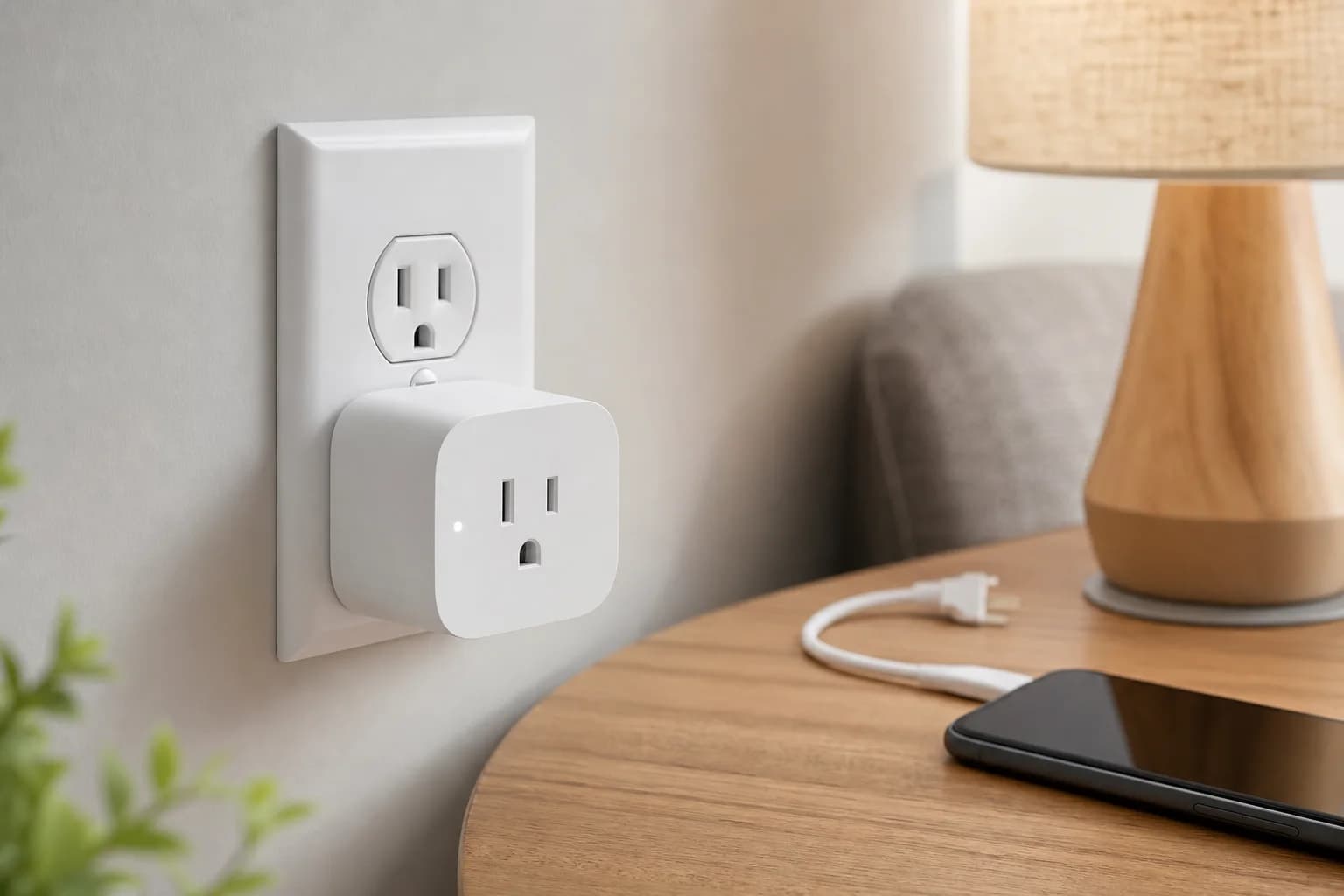
Editorial image for visual context; device appearance and configuration can vary by model and region.
Update both sides before commissioning
Confirm the exact P110M model in Tapo, install current plug and M3 firmware, and keep the Matter code available. Pairing trouble is harder to diagnose when either side is several releases behind.
Treat P110M as a Wi-Fi Matter device
P110M uses 2.4GHz Wi-Fi; it does not need Thread from Hub M3. The hub acts as a Matter controller, while the router still carries the plug's network traffic.
Expect feature differences
Successful Matter on/off control does not guarantee that Aqara Home exposes the same energy history or automation fields as Tapo. Verify the exact attributes that appear before designing an energy-based routine.
Use multi-admin deliberately
Add the device to a second ecosystem only after the first controller is stable. Name the device consistently and preserve a record of which platform owns each automation to avoid duplicate actions.
Official Matter-controller, Thread, network, and hub-role details.
Buying framework
What to check before you choose
Checklist
Confirm the exact lock, doorbell, thermostat, controller, and ecosystem versions before buying.
Check what remains available locally when Wi-Fi, cloud service, or a subscription is unavailable.
Map wiring, door dimensions, radio coverage, storage, and household access before installation.
Common mistakes
Treating Matter, Thread, Zigbee, Wi-Fi, and Bluetooth as interchangeable labels.
Buying an ecosystem feature before confirming the required hub, controller, or border router.
Ignoring subscription boundaries, batteries, replacement access, and emergency fallback controls.
Category checks
Matter is an application standard; Thread and Zigbee are network technologies.
A Matter controller and a Thread border router are different roles.
Prefer physical and local fallback controls for essential routines.
Decision rule
Choose the device with the clearest compatibility and local fallback path; add premium ecosystem features only when they remove a recurring household problem.