Aqara
Automation basicsAqara Hub M3 Guide: Matter, Thread, PoE & M2 Upgrade
Official-spec guide · not hands-on
Use the decision points below to compare fit, compatibility, ownership trade-offs, and the exact current listing.
Current buying option
Aqara Hub M3
Current price & availability · purchase link
Open the named listing to compare the live price, availability, delivery, seller, and return terms.
A source-backed Aqara Hub M3 review covering Matter controller and bridge roles, Thread border routing, Zigbee migration, Home Assistant, PoE, infrared control, and whether M2 owners should upgrade.
Decide before the product image
- Best for
- Aqara-centered homes that need Thread, Matter bridging, and wired PoE placement
- Verify on Amazon US
- Confirm ASIN B0CWLHSKYC, regional version, seller, and included power accessories.
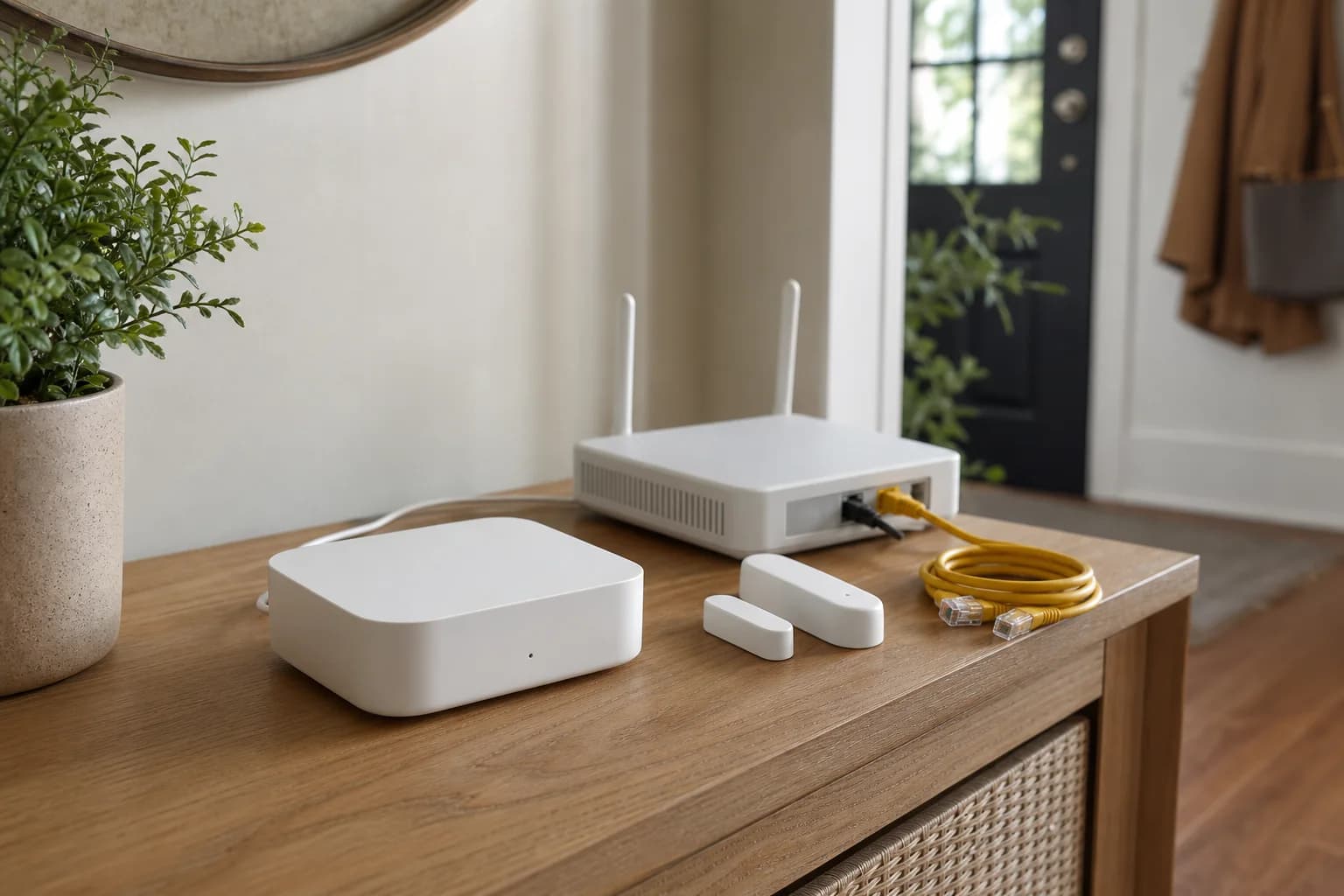
Editorial image for visual context; the linked listing may have a different product appearance or configuration.
Direct answer to the buying question
Is Aqara Hub M3 worth upgrading to from M2?
Upgrade when Thread border-router capability, Matter bridging, PoE, local automation, or newer device support solves a real gap. Keep M2 when the current Zigbee devices and automations are stable and none of those additions changes the household's daily control path.
Continue this decision
Decision 1
Aqara Hub M3 vs M2: Matter, Thread, PoE & Upgrade Cost
Compare Aqara Hub M3 and M2 by Matter roles, Thread, Zigbee capacity, PoE, USB power, infrared control, migration work, and who should keep the M2.
Decision 2
Aqara Hub M3 Setup: Matter, Thread, PoE & Migration Checklist
Set up Aqara Hub M3 by assigning Matter, Thread, Zigbee, Ethernet or PoE, ecosystem sharing, and migration roles before resetting an existing hub.
Decision 3
Matter Starter Kit: Hub, Contact Sensor and Smart Plug
Build a small Matter setup with Aqara Hub M3, Aqara P2, and Tapo P125M while keeping Thread, Wi-Fi, controllers, and ecosystem sharing clear.
Decision 4
Aqara Hub M3 with Home Assistant: Matter Bridge Setup Guide
Plan the Aqara Hub M3 and Home Assistant Matter path, including controller roles, bridge pairing, IPv6 and mDNS checks, Thread boundaries, and missing feature risks.
Decision 5
Pair Tapo P110M with Aqara Hub M3: Matter Checklist
Commission the Wi-Fi plug through Hub M3 without losing track of setup codes, controller ownership, 2.4GHz reach, firmware, energy-data limits, or multi-admin sharing.
Related search answers
Official-spec guide · not hands-on
Use the decision points below to compare fit, compatibility, ownership trade-offs, and the exact current listing.
Quick verdict
Best fit
Aqara-centered homes that need Thread, Matter bridging, and wired PoE placement
Main upside
Combines Matter controller, Matter bridge, Thread border-router, and Aqara Zigbee hub roles
Check first
Supported third-party Matter device types and bridged features remain narrower than each vendor's native app
What matters most
- Updated
- July 23, 2026
- Decision scope
- Fit, compatibility, ownership, and current-listing checks
- Version risk
- Confirm ASIN B0CWLHSKYC, the regional HM-G01D/HM-G01E variant, seller, and included power accessories
- Price or bundle risk
- Confirm ASIN B0CWLHSKYC, regional version, seller, and included power accessories.
Current product and listing
- Current listing
- Amazon ASIN B0CWLHSKYC
- Product name
- Aqara Hub M3
- Model or bundle
- HM-G01D / HM-G01E; confirm regional version
- Confirm before buying
- Confirm ASIN B0CWLHSKYC, the regional HM-G01D/HM-G01E variant, seller, and included power accessories
- Live buying conditions
- Confirm ASIN B0CWLHSKYC, regional version, seller, and included power accessories.
What can change before checkout
- Page updated
- July 23, 2026
- Exact product
- Amazon ASIN B0CWLHSKYC
- Price and availability
- Check the merchant page for the current price, coupon, stock, and delivery
- Seller and returns
- Confirm the selected seller, included bundle, warranty path, and return terms before ordering
Product facts
- Exact product
- Aqara Hub M3
- Brand
- Aqara
- Best use case
- Aqara-centered homes that need Thread, Matter bridging, and wired PoE placement
- Category
- automation
- ASIN
- B0CWLHSKYC
- Price band
- $$
Compatibility checks
- Confirm ASIN B0CWLHSKYC, the regional HM-G01D/HM-G01E variant, seller, and included power accessories
- List which devices use Zigbee, Thread, Wi-Fi, infrared, and Matter before assuming one hub replaces every controller
- Check Aqara's current exposed-device list because Matter bridging does not publish every proprietary feature
- Verify the Aqara Home migration path on a small device group before resetting an existing M2 or other Aqara hub
- For Home Assistant, distinguish adding M3 as a Matter bridge from operating Home Assistant's own Matter controller and Thread network
Key specifications
| Spec | Value to verify |
|---|---|
| ASIN | B0CWLHSKYC |
| Model | HM-G01D / HM-G01E; confirm regional version |
| Roles | Matter controller, Matter bridge, Thread border router, Aqara Zigbee hub |
| Capacity | Up to 127 Thread and Zigbee devices; repeaters can be required |
| Network | 2.4GHz/5GHz Wi-Fi, Ethernet, WPA3, and PoE |
| Power | 5V 2A USB-C or 48V 0.27A PoE; adapter not included |
| Storage | 8GB eMMC with encrypted local storage |
| Infrared | 360-degree IR control with supported feedback and AC use cases |
Fit decision guide
Best when
Your priority is aqara-centered homes that need thread, matter bridging, and wired poe placement and the exact listing matches the specs below.
Main trade-off
Supported third-party Matter device types and bridged features remain narrower than each vendor's native app
Also compare
Keep Hub M2 when existing Aqara Zigbee automations are stable and Thread, PoE, and third-party Matter control are not required.
Confirm before checkout
Confirm ASIN B0CWLHSKYC, the regional HM-G01D/HM-G01E variant, seller, and included power accessories
Bottom line
Buy the Hub M3 when Aqara Home will be the center of a mixed Zigbee, Thread, and Matter installation, or when PoE and local Aqara automations solve a real placement or reliability problem. Keep an M2 or existing controller when stable Zigbee automations already work and the M3's Thread, third-party Matter, or PoE roles would go unused.
Why it matters
The M3 can be an Aqara Zigbee hub, Matter controller, Matter bridge, and Thread border router, but those are separate jobs. Naming the devices assigned to each job prevents the common assumption that buying one hub automatically migrates every device or exposes every feature to every ecosystem.
A note about this review
It is not a long-term hands-on reliability test, and firmware, bridged device types, ecosystem features, and retailer bundles can change after publication.
Four roles that should not be collapsed into one label
The M3 can coordinate compatible Aqara Zigbee devices, commission supported Matter devices into Aqara Home, bridge supported Aqara devices to other Matter ecosystems, and route Thread traffic. A device exposed through the Matter bridge remains on its original network; it does not become a native Matter-over-Thread device.
M3 versus M2 is an upgrade decision, not a generation contest
M2 remains useful for a stable Aqara Zigbee installation with Ethernet and infrared control. M3 earns its higher cost when Thread devices, third-party Matter control in Aqara Home, PoE placement, local edge automations, or broader bridging are part of a written plan. Existing M2 owners should name the missing role before migrating.
Matter compatibility is narrower than the logo suggests
Aqara lists selected third-party Matter device categories and notes that device support can vary by ecosystem. The common Matter controls may work while vendor-specific settings, scenes, energy details, infrared functions, or advanced sensor data remain in the Aqara app. Check the exact child-device type rather than assuming the whole account will appear elsewhere.
Home Assistant can use M3 as a Matter bridge
Home Assistant's Matter integration acts as a separate Matter controller. The M3 can share supported bridged devices into that controller, but feature exposure is limited by both Aqara's bridge and Home Assistant's supported Matter device types. Keep IPv6 and local discovery working and do not assume the M3 automatically merges every existing Thread network.
PoE is useful only when the cable path is deliberate
A compatible PoE port can carry data and power to a central wall, ceiling, or utility location. Confirm the switch or injector, cable route, network segment, and mounting position first. USB-C remains the simpler choice when the hub can sit beside a stable outlet and Ethernet drop.
Migration needs an exit plan
Inventory child devices, automations, infrared scenes, ecosystem links, family access, and notification dependencies before replacing an older Aqara hub. Move a small group first, verify it for several normal days, and keep the old hub available until critical routines and physical fallbacks are proven.
Who should skip it
Skip the M3 when an existing Apple, Google, SmartThings, Home Assistant, or Aqara controller already provides every required role and no Aqara Zigbee, infrared, PoE, or Aqara Home automation need remains. Adding another controller can increase commissioning and troubleshooting work without improving the household routine.
Where it wins
- Combines Matter controller, Matter bridge, Thread border-router, and Aqara Zigbee hub roles
- Dual-band Wi-Fi, Ethernet with PoE, and USB-C offer flexible network and power placement
- Local storage, local automations, infrared control, and a built-in speaker broaden its use beyond simple bridging
Trade-offs
- Supported third-party Matter device types and bridged features remain narrower than each vendor's native app
- M2-to-M3 migration and ecosystem sharing still require device-by-device checks
- A power adapter is not included and PoE requires compatible network equipment
What to verify
- Confirm ASIN B0CWLHSKYC, the regional HM-G01D/HM-G01E variant, seller, and included power accessories
- List which devices use Zigbee, Thread, Wi-Fi, infrared, and Matter before assuming one hub replaces every controller
- Check Aqara's current exposed-device list because Matter bridging does not publish every proprietary feature
- Verify the Aqara Home migration path on a small device group before resetting an existing M2 or other Aqara hub
- For Home Assistant, distinguish adding M3 as a Matter bridge from operating Home Assistant's own Matter controller and Thread network
Who should buy it
Consider Aqara Hub M3 if your priority is aqara-centered homes that need thread, matter bridging, and wired poe placement and you want a product that fits your smart-home setup without adding unnecessary complexity.
Also compare
- Keep Hub M2 when existing Aqara Zigbee automations are stable and Thread, PoE, and third-party Matter control are not required.
- Use an existing compatible Matter controller and Thread border router when the home has no Aqara Zigbee or infrared plan.
- Choose a simpler Aqara hub when price and basic Zigbee bridging matter more than M3's combined controller roles.
Related setup guides
automation
Aqara Hub M3 Setup: Matter, Thread, PoE & Migration Checklist
Set up Aqara Hub M3 by assigning Matter, Thread, Zigbee, Ethernet or PoE, ecosystem sharing, and migration roles before resetting an existing hub.
automation
Matter vs Thread vs Wi-Fi vs Zigbee: Device Checklist
Identify the application standard, radio or network, controller, Thread border router, Zigbee bridge, app, and fallback required before buying a smart-home device.
automation
IKEA PARASOLL vs MYGGBETT: Zigbee, Matter, Thread & DIRIGERA
PARASOLL is a Zigbee contact sensor; MYGGBETT is the IKEA Matter-over-Thread model. Check whether DIRIGERA, another Thread Border Router, or Aqara P2 fits the system you already own.
automation
Aqara Hub M3 vs M2: Matter, Thread, PoE & Upgrade Cost
Compare Aqara Hub M3 and M2 by Matter roles, Thread, Zigbee capacity, PoE, USB power, infrared control, migration work, and who should keep the M2.
automation
Aqara Hub M3 with Home Assistant: Matter Bridge Setup Guide
Plan the Aqara Hub M3 and Home Assistant Matter path, including controller roles, bridge pairing, IPv6 and mDNS checks, Thread boundaries, and missing feature risks.
automation
Aqara P2 vs. P1 Door and Window Sensor
Choose native Matter over Thread or Aqara Zigbee by checking the existing hub, controller, border router, battery, and automation path.
Comparisons featuring this product
Comparison
Matter Starter Kit: Hub, Contact Sensor and Smart Plug
Build a small Matter setup with Aqara Hub M3, Aqara P2, and Tapo P125M while keeping Thread, Wi-Fi, controllers, and ecosystem sharing clear.
Comparison
Tapo Matter Smart Plug: Energy Data or Compact Control?
Choose P110M or P125M by energy monitoring, Matter exposure, pack count, outlet fit, controller path, and the ordinary indoor loads each plug should control.
Version and price risk
Treat the exact listing as part of the product. Confirm the model number, hardware revision, included accessories, seller, coupon state, and return path before checkout. Current link note: Confirm ASIN B0CWLHSKYC, regional version, seller, and included power accessories.
Before you buy
- Confirm the exact model, region, wiring or door fit, required hub, and supported ecosystem before ordering.
- Check the retailer listing, seller, bundle contents, return window, and subscription boundaries.
- Keep a dependable local fallback for entry, climate, cameras, and essential automations.
- Check for recurring quality-control patterns after confirming the exact model.
Sources and methodology
We have not tested this product ourselves. This guide uses current manufacturer documentation and listing checks to identify fit, compatibility, version, and purchase risks.
References checked
- Aqara Hub M3 US product page — Current official roles, device capacity, networking, power, storage, dimensions, and included components.
- Aqara Hub M3 developer documentation — Official controller, bridge, Thread, Home Assistant, and supported-device-role documentation.
- Aqara Hub M3 user manual — Official installation, model, power, network, reset, and safety reference.
- Aqara Hub M2 product page — Official M2 Zigbee, Ethernet, infrared, speaker, and USB-power baseline used for the upgrade comparison.