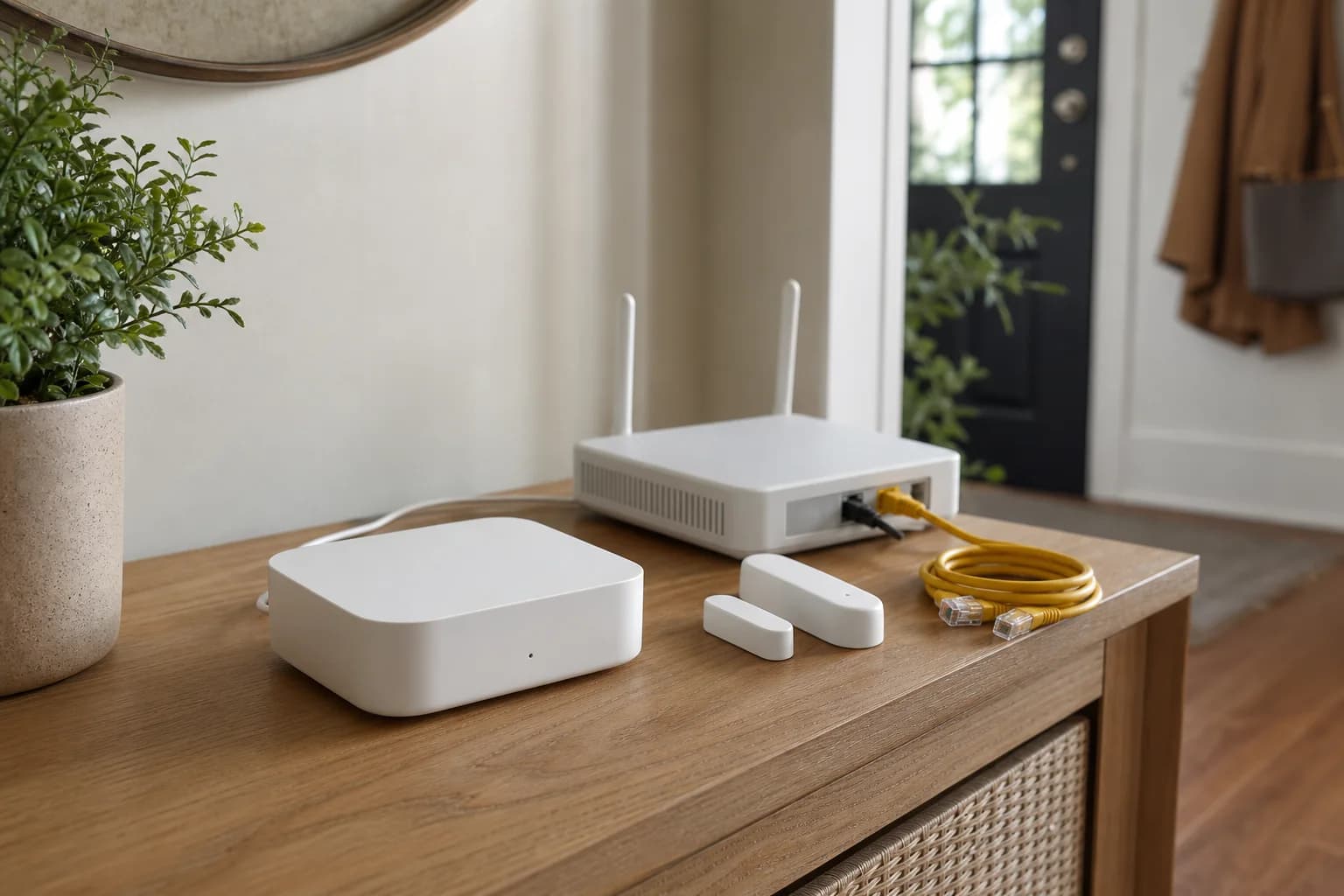
Write the four M3 roles before plugging it in
Decide whether M3 will be an Aqara Zigbee hub, Matter controller, Matter bridge, Thread border router, or a combination. For each role, name at least one actual device or ecosystem that needs it. An unused role is not a reason to migrate a working home.
Inventory existing controllers and Thread border routers
List Apple Home hubs, Google hubs, Echo devices, SmartThings, Home Assistant, older Aqara hubs, and any OpenThread border router. Record the primary Matter controller and the Thread network used by each existing Thread device before adding another fabric or border router.
Choose the network and power path together
Use PoE only with a compatible source and intentional cable route. Ethernet plus USB-C separates wired data from power. Wi-Fi can be simpler, but test signal and recovery at the final hub position. The M3 package includes a USB cable but the current US page says the 5V 2A adapter is not included.
Commission M3 in the system that will own setup
Complete M3 setup in Aqara Home, update firmware, name the hub clearly, and verify its local network state. Add or share devices to secondary Matter ecosystems only after native Aqara controls and one simple automation work reliably.
Add one device from each protocol
Use one existing Aqara Zigbee child device, one planned Matter device, and one Thread device if available. Confirm status, control, automation, and recovery after a hub restart. This small protocol sample reveals architecture problems before a whole-home migration.
Treat ecosystem sharing as a feature audit
After sharing M3 to Apple Home, Google Home, SmartThings, Alexa, or Home Assistant, list the devices and controls that actually appear. Matter bridging can expose a useful common subset without carrying every Aqara setting, infrared scene, event, or automation into the second platform.
Migrate old hubs in small groups
Document child devices, automations, rooms, family access, notifications, and infrared remotes. Move a small group, use it for several normal days, and keep the old hub powered until the household's critical routines and physical fallbacks are proven.
Back up the recovery information
Keep model and region, purchase record, network path, Matter pairing information, device list, automation list, and reset instructions in a private household record. Do not publish or store active pairing codes in screenshots, support posts, or analytics notes.
Stop when the architecture becomes harder to explain
If no one can name which platform owns commissioning, automations, Thread credentials, and household access, pause before adding more devices. A smaller setup with one clear controller path is usually easier to recover than a larger system built around overlapping logos.