Dwellwise Picks
Browse
Automation basics

Aqara Hub M3 vs M2: Matter, Thread, PoE & Upgrade Cost

Current retailer option

Aqara Hub M3

Open the named Aqara Hub M3 listing to compare the live price, availability, delivery, seller, and returns.

Compare Aqara Hub M3 and M2 by Matter roles, Thread, Zigbee capacity, PoE, USB power, infrared control, migration work, and who should keep the M2.

Prepared by the Dwellwise Picks editorial deskUpdated July 23, 2026

Quick answer

The practical answer

M3 is the better foundation for a new Aqara-centered system that needs Thread, third-party Matter control in Aqara Home, Matter bridging, PoE, or edge-hub features. M2 remains the lower-friction choice when it already runs stable Zigbee automations and none of those new roles solves a documented problem.

Direct answer to the buying question

What is the practical difference between Aqara Hub M3 and M2?

M3 adds Thread-border-router, newer Matter, PoE, and stronger local-control capabilities. M2 remains adequate for a stable Aqara Zigbee installation, so the upgrade is justified by a missing role or migration need—not simply because M3 is newer.

Page structure updated August 13, 2026Evidence checked July 23, 2026Reconfirm exact model and current terms

Related search answers

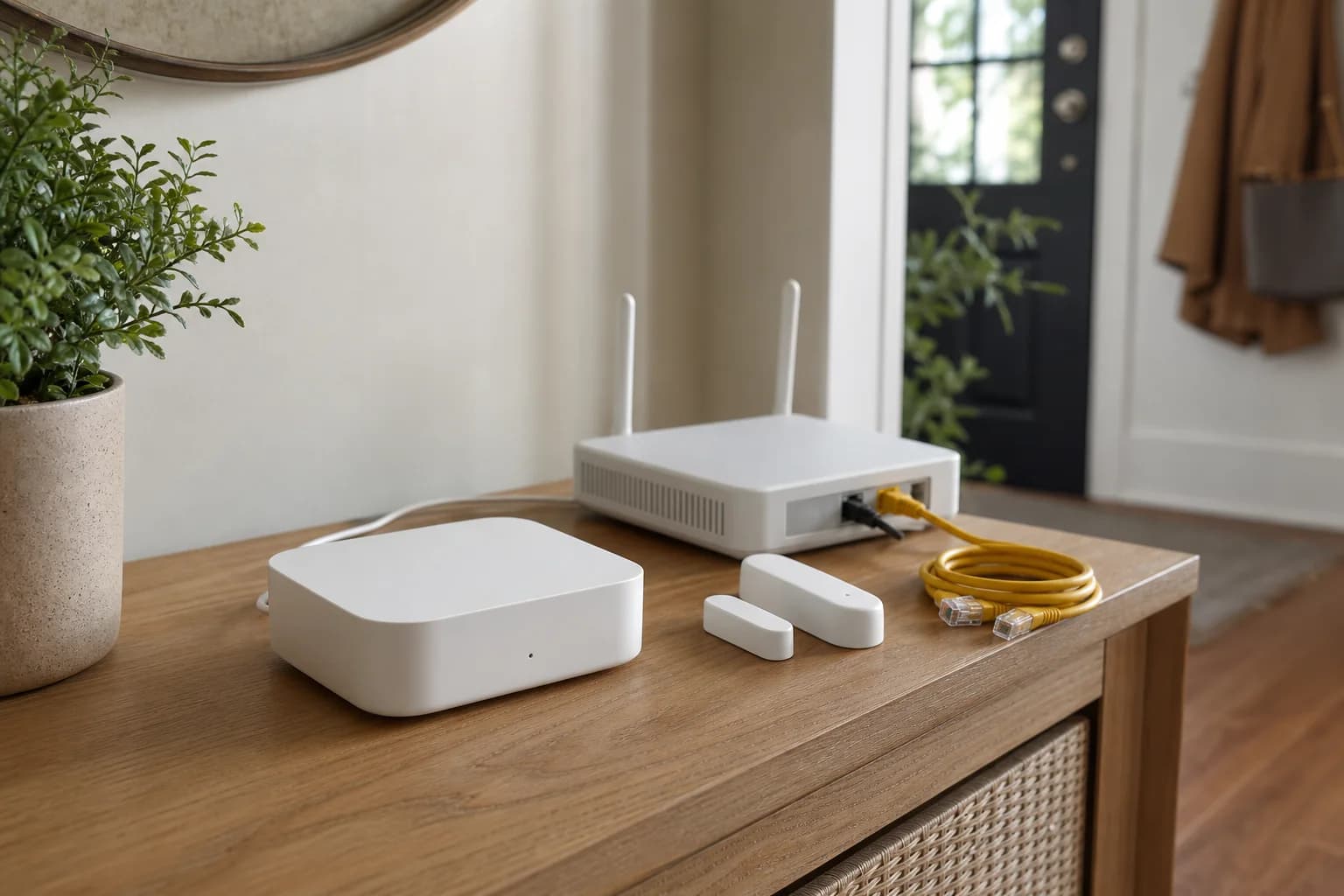
A smart-home hub, contact sensor, router, and Ethernet cable arranged for an Aqara hub upgrade decision
Editorial image for visual context; device appearance and configuration can vary by model and region.

Short answer: upgrade for a missing role, not for the model number

M3 is the better foundation for a new Aqara-centered system that needs Thread, third-party Matter control in Aqara Home, Matter bridging, PoE, or edge-hub features. M2 remains the lower-friction choice when it already runs stable Zigbee automations and none of those new roles solves a documented problem.

M3 adds Thread and a broader Matter-controller role

M3 can act as a Thread border router, commission supported third-party Matter devices into Aqara Home, and bridge supported Aqara devices to other Matter controllers. M2 is primarily a Zigbee 3.0 hub with Ethernet, infrared control, and ecosystem bridging for compatible devices.

PoE can change where the hub lives

M3 accepts compatible PoE, so one Ethernet run can provide network and power at a central wall, ceiling, or equipment location. M2 has Ethernet but uses separate Micro-USB power. PoE adds value only when the switch, injector, cable path, and mounting location are already planned.

M2 can remain beside M3 during migration

Aqara describes M3 as an edge hub that can coordinate an Aqara hub cluster, but that does not eliminate migration work. Keeping M2 active while a small set of devices and automations is verified gives the household a rollback path and avoids resetting a stable installation in one session.

Matter bridging does not expose every feature

A bridged Zigbee device remains Zigbee, and the destination ecosystem receives only the functions represented by Aqara's bridge and its own Matter implementation. Advanced Aqara settings, infrared scenes, vendor-specific data, and some automations can remain available only in Aqara Home.

Home Assistant does not make M3 automatically unnecessary

Home Assistant can run its own Matter controller and Thread border router, while M3 can bridge supported Aqara devices into Home Assistant. The useful question is whether Aqara Home automations, Zigbee migration, PoE, infrared control, or Aqara Thread devices justify keeping M3 in that architecture.

Price the accessories and migration time

Compare the current M3 price with any required PoE switch or injector, USB power adapter, Ethernet run, and the time needed to rebuild or verify automations. A discounted M3 is not a saving when the existing M2 already covers every real use case.

Choose M3 when

Choose M3 for a new Aqara-heavy installation, planned Aqara Thread devices, supported third-party Matter devices inside Aqara Home, PoE placement, or a deliberate Matter-bridge path into Apple Home, Google Home, SmartThings, Alexa, or Home Assistant.

Keep M2 when

Keep M2 when its Zigbee automations are stable, Ethernet and infrared already solve the routine, another controller handles Matter and Thread, and no current device requires M3. Revisit the decision when a specific new device or automation creates a missing role.

Side-by-side checks

Hub M3 and Hub M2 official-spec comparison

CheckAqara Hub M3Aqara Hub M2
Best fitNew mixed Aqara, Matter, and Thread systemsEstablished Aqara Zigbee systems
ZigbeeAqara Zigbee hub; up to 127 combined Thread/Zigbee devicesZigbee 3.0; up to 128 Aqara Zigbee devices with repeaters as required
Matter rolesMatter controller and Matter bridgeMatter bridge support for compatible Aqara devices; not the same M3 controller foundation
ThreadThread border router and Aqara Thread-device supportNo Thread radio or border-router role
Network2.4/5GHz Wi-Fi, Ethernet, WPA32.4GHz Wi-Fi and Ethernet
PowerUSB-C 5V 2A or PoE 48V 0.27A; adapter not includedMicro-USB 5V 1A; no PoE
Infrared360-degree IR with supported feedback and AC Matter use cases360-degree IR control; ecosystem exposure varies
Local storage8GB encrypted eMMCNo equivalent 8GB local-storage claim on the official M2 page
Migration burdenDevice, automation, ecosystem, and IR-scene verification requiredNone when the current system remains stable

Primary sources

References used for this guide

Buying framework

What to check before you choose

Checklist

  • Confirm the exact lock, doorbell, thermostat, controller, and ecosystem versions before buying.
  • Check what remains available locally when Wi-Fi, cloud service, or a subscription is unavailable.
  • Map wiring, door dimensions, radio coverage, storage, and household access before installation.

Common mistakes

  • Treating Matter, Thread, Zigbee, Wi-Fi, and Bluetooth as interchangeable labels.
  • Buying an ecosystem feature before confirming the required hub, controller, or border router.
  • Ignoring subscription boundaries, batteries, replacement access, and emergency fallback controls.

Category checks

  • Matter is an application standard; Thread and Zigbee are network technologies.
  • A Matter controller and a Thread border router are different roles.
  • Prefer physical and local fallback controls for essential routines.

Decision rule

Choose the device with the clearest compatibility and local fallback path; add premium ecosystem features only when they remove a recurring household problem.

Aqara Hub M3 vs M2: Matter, Thread, PoE & Upgrade Cost