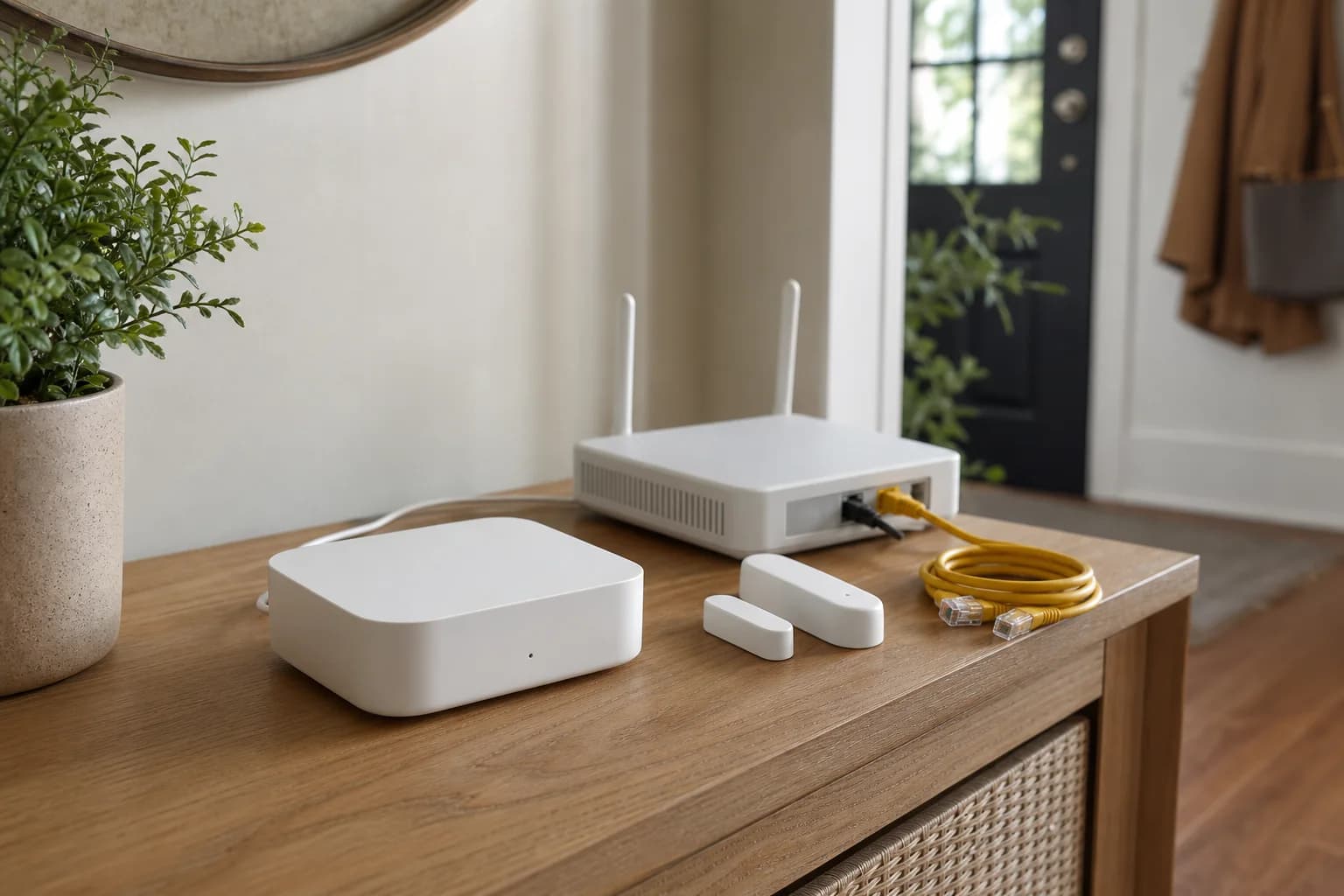
Use the Matter bridge path when local common controls are enough
M3 can bridge supported Aqara child devices into Home Assistant's Matter controller while Aqara Home continues to manage the native hub. This is useful for local common controls, but it can expose fewer entities and settings than Aqara's own app or a model-specific integration.
Install Home Assistant's official Matter path first
Home Assistant OS users should add the Matter integration and use the supported Matter Server app path. Confirm the integration is healthy before opening a new pairing window on M3; otherwise two setup problems become one ambiguous failure.
Generate the pairing code from the Aqara side
Aqara's current M3 instructions place third-party Matter ecosystem sharing on the hub device page in Aqara Home. Generate or display a fresh pairing code there, then use the Home Assistant Companion App's Matter commissioning flow. Keep the code private and close the pairing window when setup completes.
Keep M3 and Home Assistant on a discovery-friendly LAN
Matter depends on IPv6 and mDNS across the local network. Begin with M3 and Home Assistant on the same ordinary LAN, set Home Assistant IPv6 to automatic or static as appropriate, and avoid client isolation. Add VLAN or multicast rules only after the simple topology works.
Check the exposed devices before rebuilding dashboards
After pairing, inventory the entities Home Assistant actually created. Aqara decides which child devices and features the bridge publishes, and Home Assistant must support the corresponding Matter device type. Do not delete the old integration or dashboard until names, states, controls, and automations are verified.
Keep Thread and Matter as separate troubleshooting layers
Matter is the control protocol; Thread can be the transport for some devices. A bridged Aqara Zigbee sensor does not join Thread, while a native Matter-over-Thread device needs reachable Thread infrastructure. Record which Thread network commissioned each device instead of treating all border routers as one automatic mesh.
Use multi-admin instead of resetting a working device
When a Matter device or bridge already belongs to Aqara, Apple, or Google, use the platform's supported share-to-another-ecosystem flow where available. Resetting first can discard a working fabric, device names, and automations without solving the local network problem.
Troubleshoot in this order
Confirm the Home Assistant Matter integration, pairing window, current code, same-LAN reachability, IPv6, mDNS, and supported device type. Then download Home Assistant Matter diagnostics if needed. Reset M3 only after the official pairing and network checks fail and the existing Aqara configuration is backed up or documented.
Choose another path when advanced Aqara features matter
If the Matter bridge omits an essential sensor value, infrared function, vendor setting, event, or automation trigger, keep Aqara Home as the system of record and evaluate a supported local model-specific path. Matter interoperability is valuable, but it is not evidence that every proprietary feature should appear in Home Assistant.