Aqara
Automation basicsAqara P2 Guide: Matter over Thread, Hub Requirements & Battery
Official-spec guide · not hands-on
Use the decision points below to compare fit, compatibility, ownership trade-offs, and the exact current listing.
Current buying option
Aqara Door and Window Sensor P2
Current price & availability · purchase link
Open the named listing to compare the live price, availability, delivery, seller, and return terms.
A setup-focused guide to Aqara's Matter-over-Thread contact sensor, including controller and border-router requirements, magnet alignment, battery access, automations, and why it is closer to IKEA MYGGBETT than the Zigbee IKEA PARASOLL sensor.
Decide before the product image
- Best for
- Native Matter-over-Thread door and window automations
- Verify on Amazon US
- Confirm ASIN B0BTL8B72D and the Matter-over-Thread P2 model.
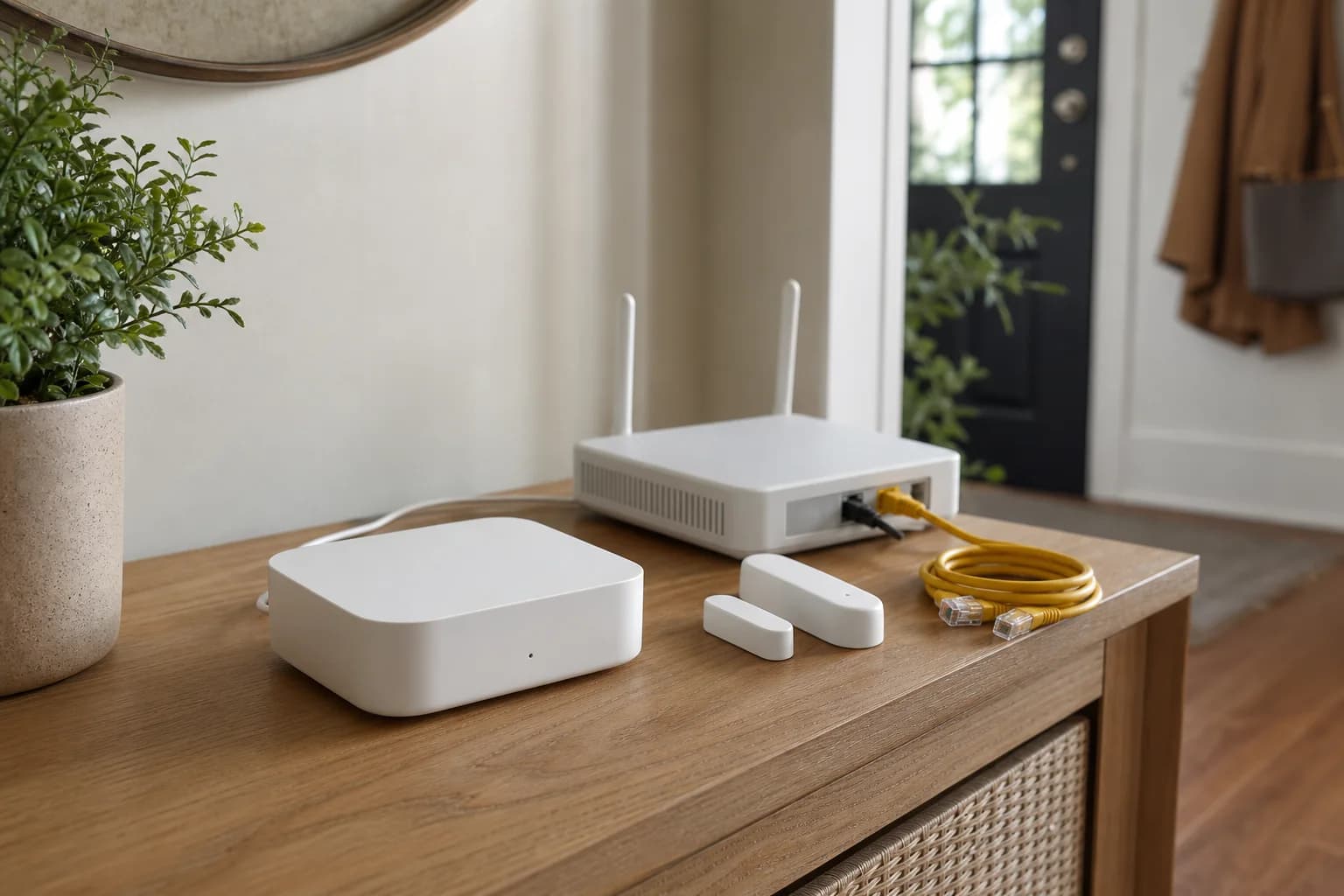
Editorial image for visual context; the linked listing may have a different product appearance or configuration.
Direct answer to the buying question
Does the Aqara Door and Window Sensor P2 require an Aqara hub?
P2 uses Matter over Thread, so it needs a compatible Matter controller and Thread border router, not necessarily an Aqara hub. An Aqara hub may add vendor-specific functions, but the basic purchase decision starts with the controller and Thread infrastructure already in the home.
Continue this decision
Decision 1
Thread Border Router vs. Matter Controller
Understand what a Thread border router does, how it differs from a Matter controller, when one device provides both, and why a Matter-over-Thread accessory may still fail to commission.
Decision 2
Matter vs Thread vs Wi-Fi vs Zigbee: Device Checklist
Identify the application standard, radio or network, controller, Thread border router, Zigbee bridge, app, and fallback required before buying a smart-home device.
Decision 3
Aqara P2 vs. P1 Door and Window Sensor
Choose native Matter over Thread or Aqara Zigbee by checking the existing hub, controller, border router, battery, and automation path.
Decision 4
Matter Starter Kit: Hub, Contact Sensor and Smart Plug
Build a small Matter setup with Aqara Hub M3, Aqara P2, and Tapo P125M while keeping Thread, Wi-Fi, controllers, and ecosystem sharing clear.
Decision 5
Water Leak Sensors for Sinks, Water Heaters and Basements
Compare Aqara, Govee, X-Sense, and YoLink by sensor count, hub requirements, alarm path, wireless range, and the rooms each kit should cover first.
Related search answers
Official-spec guide · not hands-on
Use the decision points below to compare fit, compatibility, ownership trade-offs, and the exact current listing.
Quick verdict
Best fit
Native Matter-over-Thread door and window automations
Main upside
Native Matter over Thread
Check first
Requires a compatible Matter controller and Thread border router
What matters most
- Updated
- July 23, 2026
- Decision scope
- Fit, compatibility, ownership, and current-listing checks
- Version risk
- Confirm the chosen ecosystem provides both Matter control and a compatible Thread border router
- Price or bundle risk
- Confirm ASIN B0BTL8B72D and the Matter-over-Thread P2 model.
Current product and listing
- Current listing
- Amazon ASIN B0BTL8B72D
- Product name
- Aqara Door and Window Sensor P2
- Model or bundle
- DW-S02D / DW-S02E; confirm regional version
- Confirm before buying
- Confirm the chosen ecosystem provides both Matter control and a compatible Thread border router
- Live buying conditions
- Confirm ASIN B0BTL8B72D and the Matter-over-Thread P2 model.
What can change before checkout
- Page updated
- July 23, 2026
- Exact product
- Amazon ASIN B0BTL8B72D
- Price and availability
- Check the merchant page for the current price, coupon, stock, and delivery
- Seller and returns
- Confirm the selected seller, included bundle, warranty path, and return terms before ordering
Product facts
- Exact product
- Aqara Door and Window Sensor P2
- Brand
- Aqara
- Best use case
- Native Matter-over-Thread door and window automations
- Category
- automation
- ASIN
- B0BTL8B72D
- Price band
- $
Compatibility checks
- Confirm the chosen ecosystem provides both Matter control and a compatible Thread border router
- Dry-fit the sensor and magnet before using permanent adhesive
- Check door or window clearance and battery access through the full opening path
Key specifications
| Spec | Value to verify |
|---|---|
| ASIN | B0BTL8B72D |
| Model | DW-S02D / DW-S02E; confirm regional version |
| Protocol | Matter over Thread |
| Requirement | Compatible Matter controller and Thread border router |
| Battery | CR123A |
| Detection | Open and closed contact state |
Fit decision guide
Best when
Your priority is native matter-over-thread door and window automations and the exact listing matches the specs below.
Main trade-off
Requires a compatible Matter controller and Thread border router
Also compare
Aqara-centered homes that need Thread, Matter bridging, and wired PoE placement
Confirm before checkout
Confirm the chosen ecosystem provides both Matter control and a compatible Thread border router
Bottom line
The P2 is a clean contact-sensor choice when the home already has a compatible Matter controller and Thread border router. A Zigbee Aqara sensor may be simpler for an established Aqara hub installation that does not need native Matter over Thread.
Why it matters
The sensor does not join an Aqara Zigbee hub like older Aqara contact sensors. Its Thread network and Matter commissioning path must be ready before the small hardware can become useful.
P2 is not the older Zigbee contact sensor
The P2 commissions through Matter and communicates over Thread. Do not follow a Zigbee pairing guide or buy an Aqara hub solely on the assumption that every Aqara sensor joins it in the same way.
IKEA PARASOLL is not a Matter-over-Thread equivalent
IKEA's US PARASOLL listing and manual describe a Zigbee sensor that uses DIRIGERA for app notifications or can pair directly with compatible IKEA lighting. IKEA MYGGBETT is the separate Matter-over-Thread contact sensor. Compare P2 with MYGGBETT when Thread is the requirement; compare PARASOLL with other Zigbee sensors when a DIRIGERA-centered setup is the plan.
Controller and border router are separate checks
Some ecosystem devices perform both roles, while others do not. Verify the exact Apple, Google, Alexa, SmartThings, Home Assistant, or Aqara controller model and current software before installation.
The magnet gap is part of the setup
Test the reported state while opening and closing the door before committing the adhesive. Avoid mounting positions that collide, flex, or make battery replacement difficult.
Where it wins
- Native Matter over Thread
- Works across compatible Matter ecosystems
- Simple open-and-closed state enables many automations
Trade-offs
- Requires a compatible Matter controller and Thread border router
- Not an Aqara Zigbee child device
- Placement and magnet alignment control reliability
What to verify
- Confirm the chosen ecosystem provides both Matter control and a compatible Thread border router
- Dry-fit the sensor and magnet before using permanent adhesive
- Check door or window clearance and battery access through the full opening path
Who should buy it
Consider Aqara Door and Window Sensor P2 if your priority is native matter-over-thread door and window automations and you want a product that fits your smart-home setup without adding unnecessary complexity.
Who should skip it
Skip it if the trade-offs above touch your main use case. The better buy is usually the product whose size, setup, accessories, and return path match your situation.
Compare nearby options
| Product | Best for | Check first | Price band | Exact listing |
|---|---|---|---|---|
| Aqara Door and Window Sensor P2 | Native Matter-over-Thread door and window automations | Requires a compatible Matter controller and Thread border router | $ | ASIN B0BTL8B72D |
| Aqara Hub M3 | Aqara-centered homes that need Thread, Matter bridging, and wired PoE placement | Supported third-party Matter device types and bridged features remain narrower than each vendor's native app | $$ | ASIN B0CWLHSKYC |
Related setup guides
automation
Aqara Hub M3 Setup: Matter, Thread, PoE & Migration Checklist
Set up Aqara Hub M3 by assigning Matter, Thread, Zigbee, Ethernet or PoE, ecosystem sharing, and migration roles before resetting an existing hub.
automation
Matter vs Thread vs Wi-Fi vs Zigbee: Device Checklist
Identify the application standard, radio or network, controller, Thread border router, Zigbee bridge, app, and fallback required before buying a smart-home device.
automation
IKEA PARASOLL vs MYGGBETT: Zigbee, Matter, Thread & DIRIGERA
PARASOLL is a Zigbee contact sensor; MYGGBETT is the IKEA Matter-over-Thread model. Check whether DIRIGERA, another Thread Border Router, or Aqara P2 fits the system you already own.
automation
Aqara Hub M3 with Home Assistant: Matter Bridge Setup Guide
Plan the Aqara Hub M3 and Home Assistant Matter path, including controller roles, bridge pairing, IPv6 and mDNS checks, Thread boundaries, and missing feature risks.
automation
Aqara P2 vs. P1 Door and Window Sensor
Choose native Matter over Thread or Aqara Zigbee by checking the existing hub, controller, border router, battery, and automation path.
automation
Thread Border Router vs. Matter Controller
Understand what a Thread border router does, how it differs from a Matter controller, when one device provides both, and why a Matter-over-Thread accessory may still fail to commission.
Comparisons featuring this product
Version and price risk
Treat the exact listing as part of the product. Confirm the model number, hardware revision, included accessories, seller, coupon state, and return path before checkout. Current link note: Confirm ASIN B0BTL8B72D and the Matter-over-Thread P2 model.
Before you buy
- Confirm the exact model, region, wiring or door fit, required hub, and supported ecosystem before ordering.
- Check the retailer listing, seller, bundle contents, return window, and subscription boundaries.
- Keep a dependable local fallback for entry, climate, cameras, and essential automations.
- Check for recurring quality-control patterns after confirming the exact model.
Sources and methodology
We have not tested this product ourselves. This guide uses current manufacturer documentation and listing checks to identify fit, compatibility, version, and purchase risks.
References checked
- Aqara Door and Window Sensor P2 — Official protocol, battery, setup, and ecosystem requirements.
- IKEA PARASOLL door/window sensor — Official Zigbee-era DIRIGERA, direct-light pairing, battery, and mounting reference used to prevent protocol confusion.
- IKEA MYGGBETT door/window sensor — Official Matter-over-Thread model and Thread Border Router requirement used for the closest IKEA comparison.