Dwellwise Picks
Browse
Automation basics

IKEA PARASOLL vs MYGGBETT: Zigbee, Matter, Thread & DIRIGERA

PARASOLL is a Zigbee contact sensor; MYGGBETT is the IKEA Matter-over-Thread model. Check whether DIRIGERA, another Thread Border Router, or Aqara P2 fits the system you already own.

Prepared by the Dwellwise Picks editorial deskUpdated July 17, 2026

Best starting point

Aqara Door and Window Sensor P2

Price band: $

Start with the evidence page for Aqara Door and Window Sensor P2, then compare the alternatives against your layout, budget, and compatibility needs.

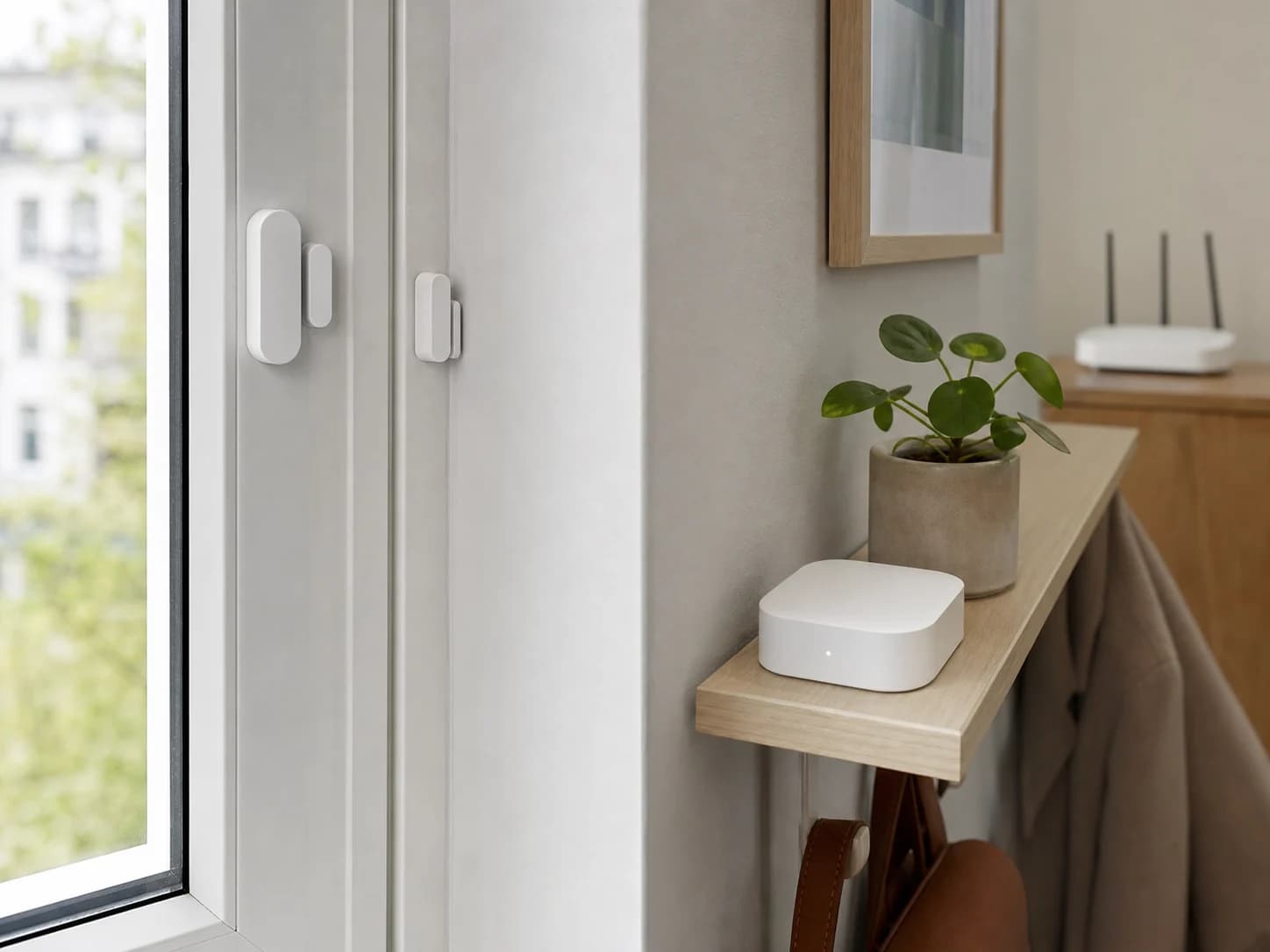
Two realistic door and window contact sensors near a smart-home hub and network router for protocol planning
Editorial image for visual context; device appearance and configuration can vary by model and region.

Quick answer: PARASOLL does not need a Thread Border Router

The current US PARASOLL page and manual describe a Zigbee sensor. Use DIRIGERA when IKEA Home smart app notifications and remote routines are wanted, or follow IKEA's supported direct-light pairing path for a simple local automation. A Thread Border Router is not the missing requirement for PARASOLL.

MYGGBETT is the IKEA Matter-over-Thread sensor

IKEA lists MYGGBETT as a Matter-over-Thread door and window sensor. It therefore needs a compatible Thread Border Router. DIRIGERA can fill that role, but buyers using Apple, Google, Amazon, Samsung, Homey, or another ecosystem should verify the exact controller and border-router hardware already installed before buying another hub.

DIRIGERA performs different jobs for the two sensors

For PARASOLL, DIRIGERA is the IKEA Zigbee hub that enables app notifications and wider IKEA Home smart control. For MYGGBETT, IKEA identifies DIRIGERA as an example Thread Border Router for the Matter-over-Thread path. The same hub name does not make the two sensors use the same radio.

Do not follow a PARASOLL setup guide for MYGGBETT

A ten-second Zigbee pairing sequence near an IKEA bulb belongs to PARASOLL's documented direct-light path. MYGGBETT should be commissioned through its Matter ecosystem and Thread network. Check the article number and product name on the package before resetting hardware or rebuilding the home network.

Aqara P2 is the closest commissionable alternative

Aqara P2 is also native Matter over Thread and requires a compatible Matter controller plus Thread Border Router. It is worth comparing when the household wants a current Amazon option, already uses Aqara Home or Hub M3, or needs Aqara's ecosystem-specific automation guidance. It is not a drop-in Zigbee replacement for PARASOLL.

Choose from the system already running

Keep PARASOLL when DIRIGERA and IKEA Zigbee routines already work. Choose MYGGBETT when the goal is a current IKEA Matter-over-Thread sensor. Choose P2 when native Matter, Aqara support, or its merchant path is more useful. Avoid buying a new hub until the existing Matter controller, Thread Border Router, and Zigbee hub inventory is written down.

Check placement before protocol

All three products still depend on magnet alignment, frame depth, adhesive or screw placement, battery access, and a clear opening path. Dry-fit the sensor, confirm state changes in the final app, and keep packaging until the intended automation and notification both work.

Decision evidence

Contact-sensor protocol and hub decision

CheckRadio and standardWhat the home needsBest reason to choose it
IKEA PARASOLLZigbee; not Matter over ThreadDIRIGERA for IKEA Home smart app notifications, or supported direct IKEA light pairingLow-cost IKEA-centered contact automation when Zigbee is acceptable
IKEA MYGGBETTMatter over ThreadA compatible Thread Border Router; DIRIGERA is one optionNative Matter choice for a current IKEA or cross-ecosystem Thread plan
Aqara P2Matter over ThreadA compatible Matter controller and Thread Border RouterNative Matter sensor with an established Amazon purchase path and broad ecosystem guidance

Primary sources

References used for this guide

Buying framework

What to check before you choose

Checklist

  • Confirm the exact lock, doorbell, thermostat, controller, and ecosystem versions before buying.
  • Check what remains available locally when Wi-Fi, cloud service, or a subscription is unavailable.
  • Map wiring, door dimensions, radio coverage, storage, and household access before installation.

Common mistakes

  • Treating Matter, Thread, Zigbee, Wi-Fi, and Bluetooth as interchangeable labels.
  • Buying an ecosystem feature before confirming the required hub, controller, or border router.
  • Ignoring subscription boundaries, batteries, replacement access, and emergency fallback controls.

Category checks

  • Matter is an application standard; Thread and Zigbee are network technologies.
  • A Matter controller and a Thread border router are different roles.
  • Prefer physical and local fallback controls for essential routines.

Decision rule

Choose the device with the clearest compatibility and local fallback path; add premium ecosystem features only when they remove a recurring household problem.